
CS2 demo setup, upload and troubleshooting guides
Get the source right. Connect the account you played on, prepare the replay file and work out which stage needs attention.
Open the demo viewer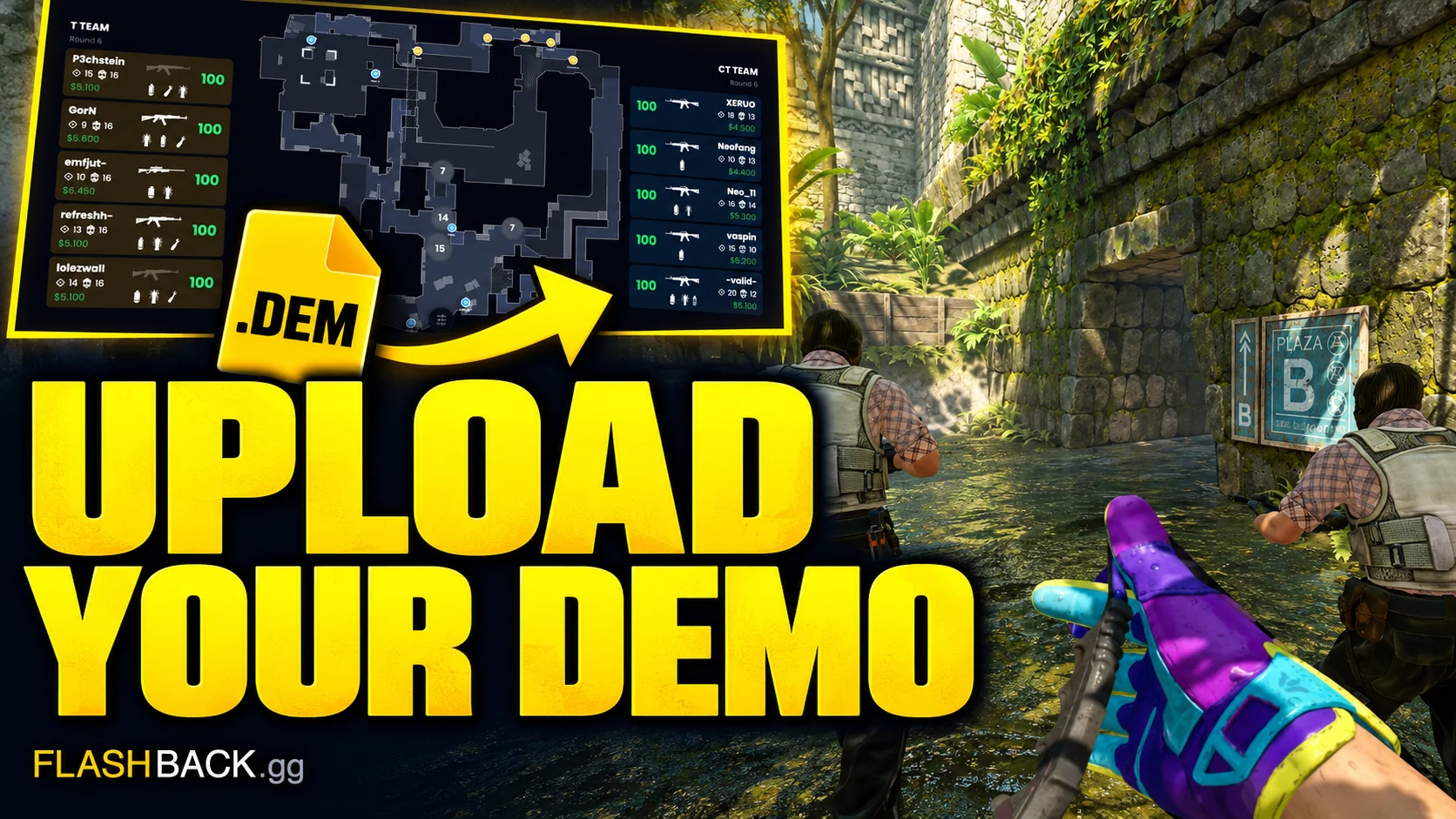
A match in history is not the same as an available demo. Steam and FACEIT can retain match records after the replay source becomes unavailable. Before troubleshooting a viewer, confirm the account, match date, map and whether you can still obtain the actual replay or open existing analysis.
Use the Steam setup guide to understand the two match-sharing values and find your games. If you already have a local file, the upload guide explains which formats work directly and which archives need extraction. The troubleshooting guide separates account history, download, upload and processing failures, so you can change the cause before trying again. Keep the match link and exact visible error for Support, and keep authentication codes out of public messages.
A practical starting path
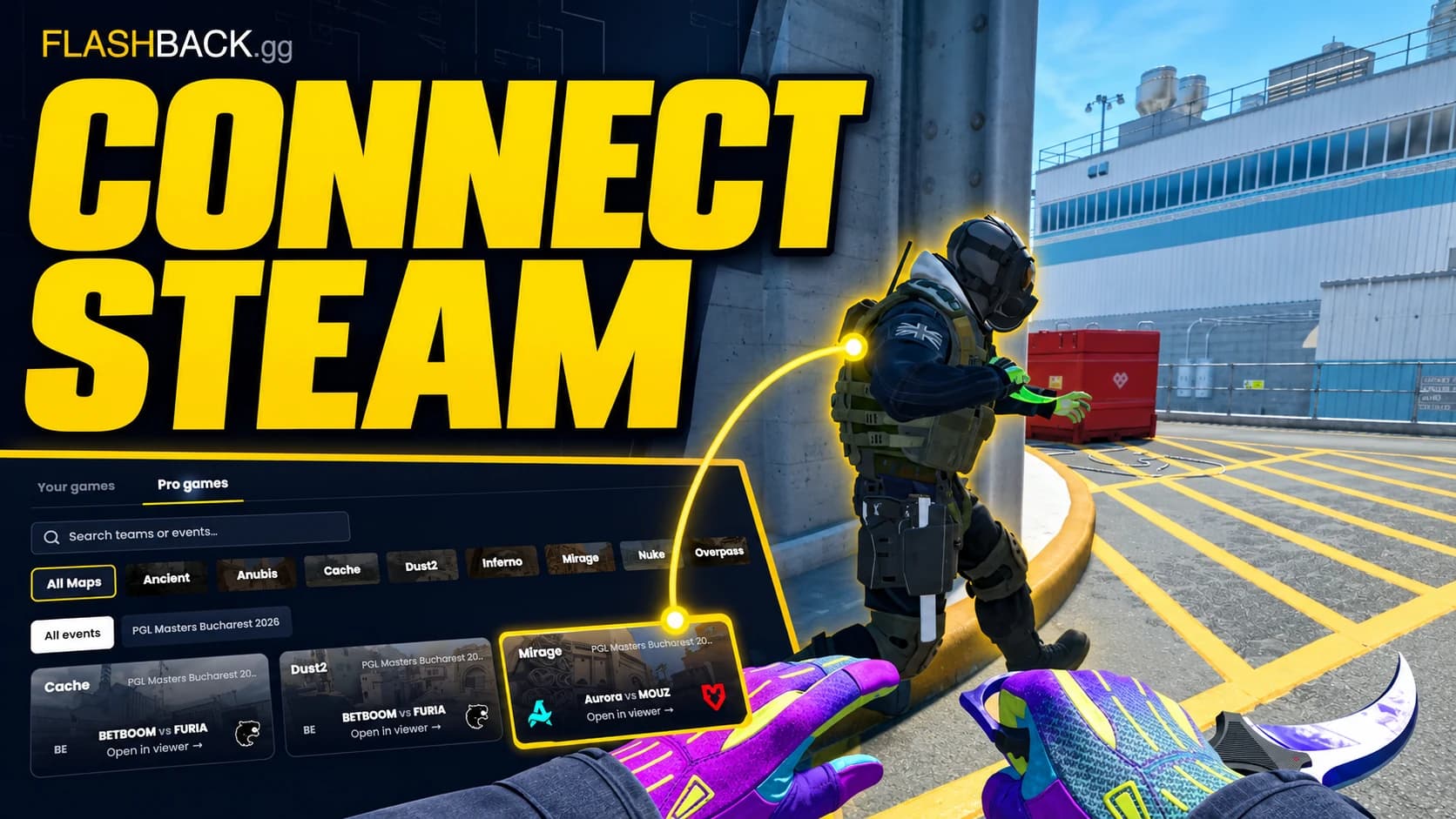
- Connect Steam match history
Set up match sharing, find the right game and understand why a match may still need its demo.
- Upload your .dem file
Check your file, unpack unsupported archives and get the replay onto the radar.
- Fix a demo that will not open
Find the failing stage before retrying a download, upload or analysis request.
All setup & fixes guides
3 step-by-step guides
Connect Steam match history
Set up match sharing, find the right game and understand why a match may still need its demo.
Read guide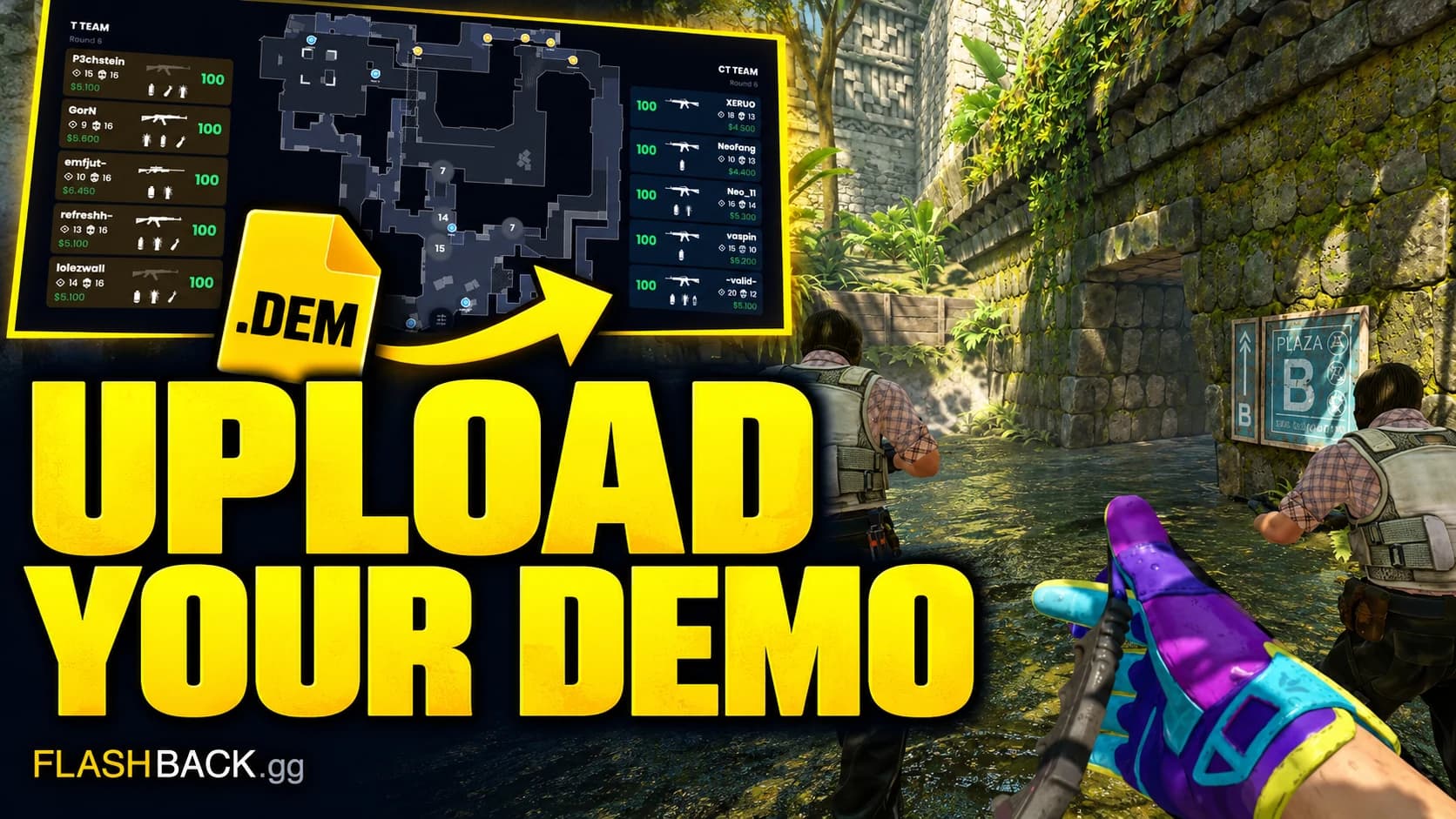
Upload your .dem file
Check your file, unpack unsupported archives and get the replay onto the radar.
Read guide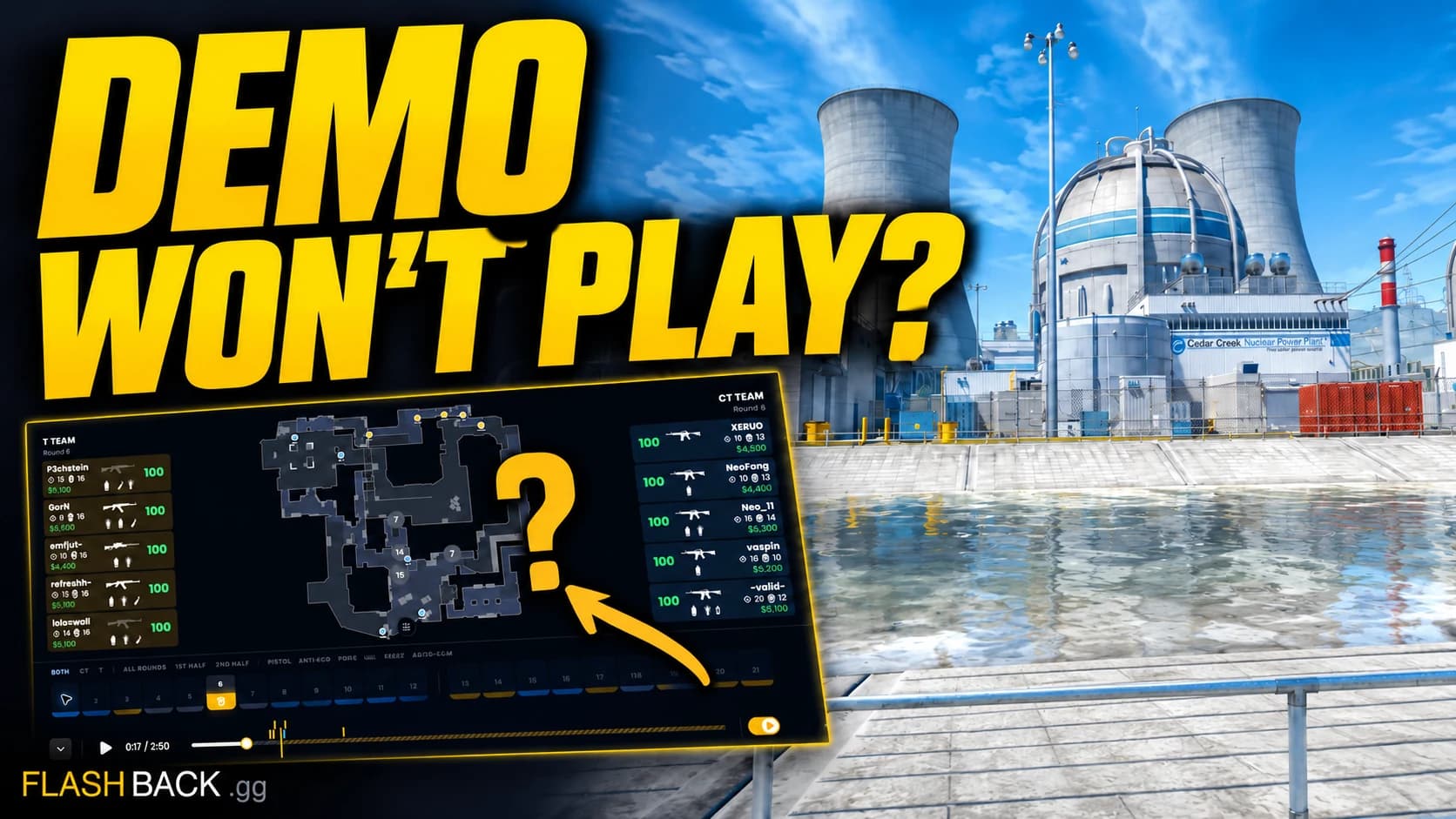
Fix a demo that will not open
Find the failing stage before retrying a download, upload or analysis request.
Read guide