
CS2 demo &
clip guides.
Watch demos online. Read the round. Turn your best plays into videos.
Step-by-step help for Steam and FACEIT matches, 2D demo review, clip editing and POV rendering. With real Flashback screenshots.
CS2 demo and video tutorials
Watch demos, review your rounds, cut highlights and render CS2 videos.
15 guides
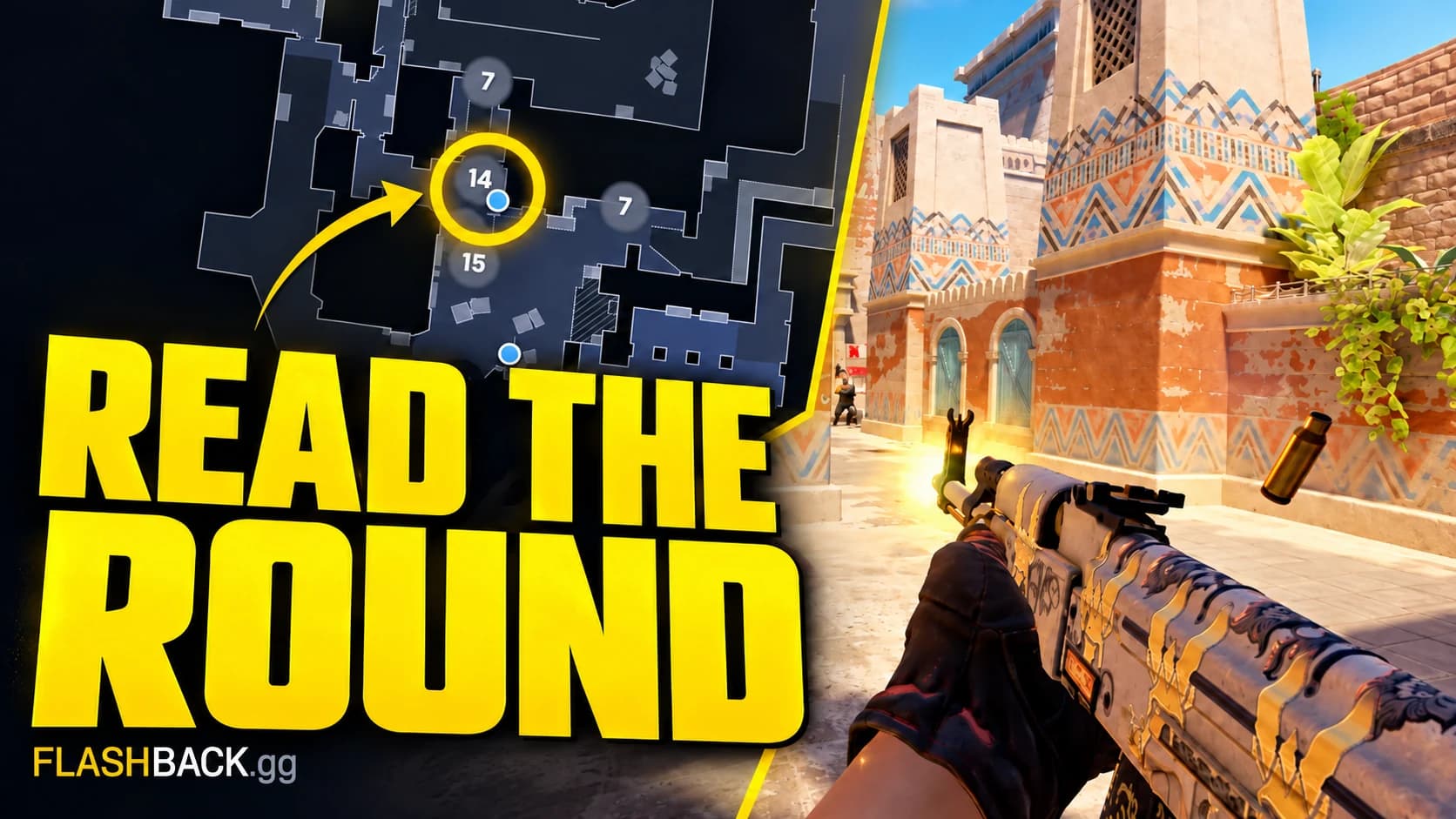
Watch and review a CS2 demo
Get a match onto the radar, find the decision that changed a round and leave with one thing to practise.
Read guide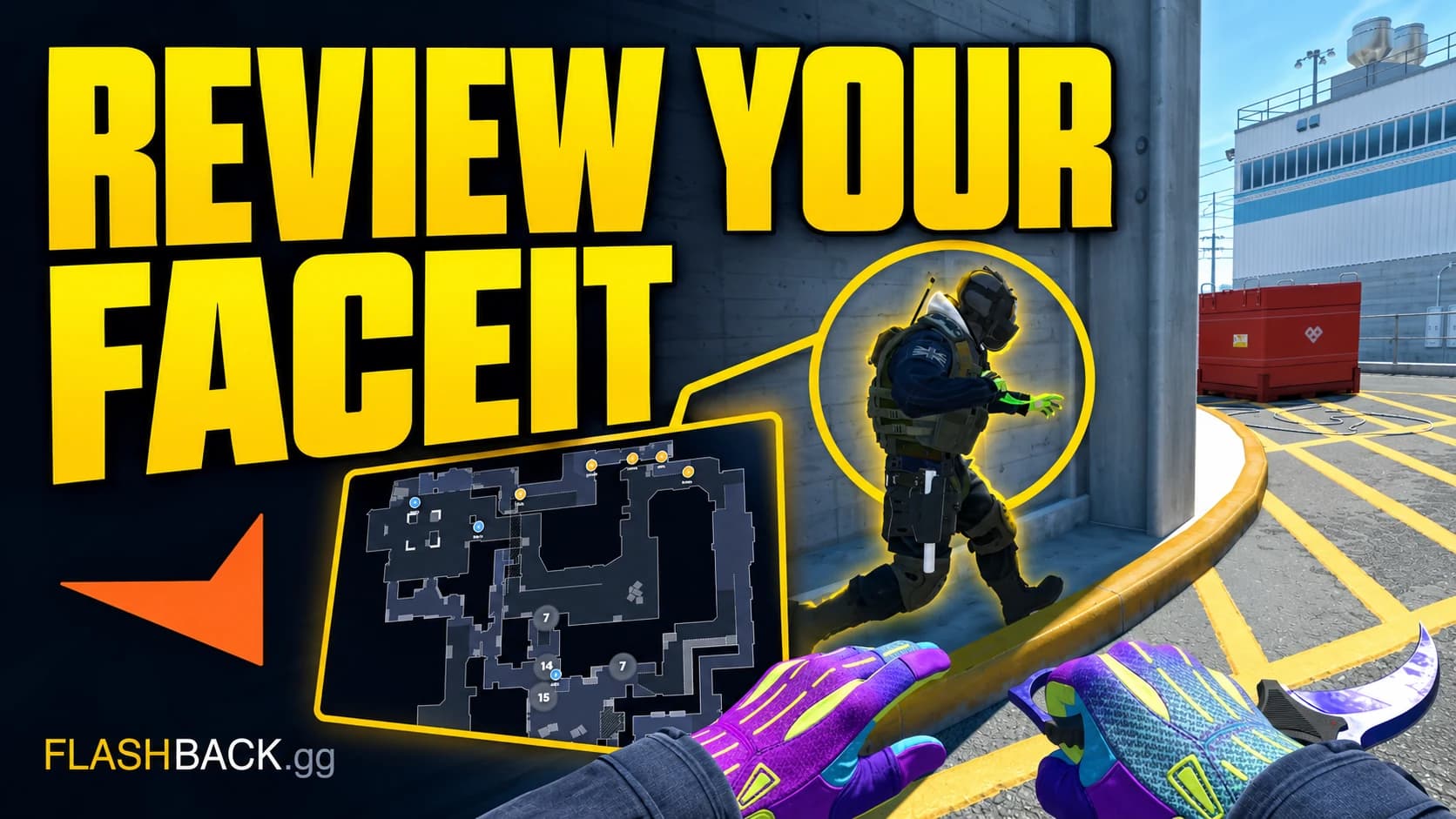
Review your FACEIT matches
Follow a finished FACEIT match from your account to a round review, with a fallback if the demo is missing.
Read guide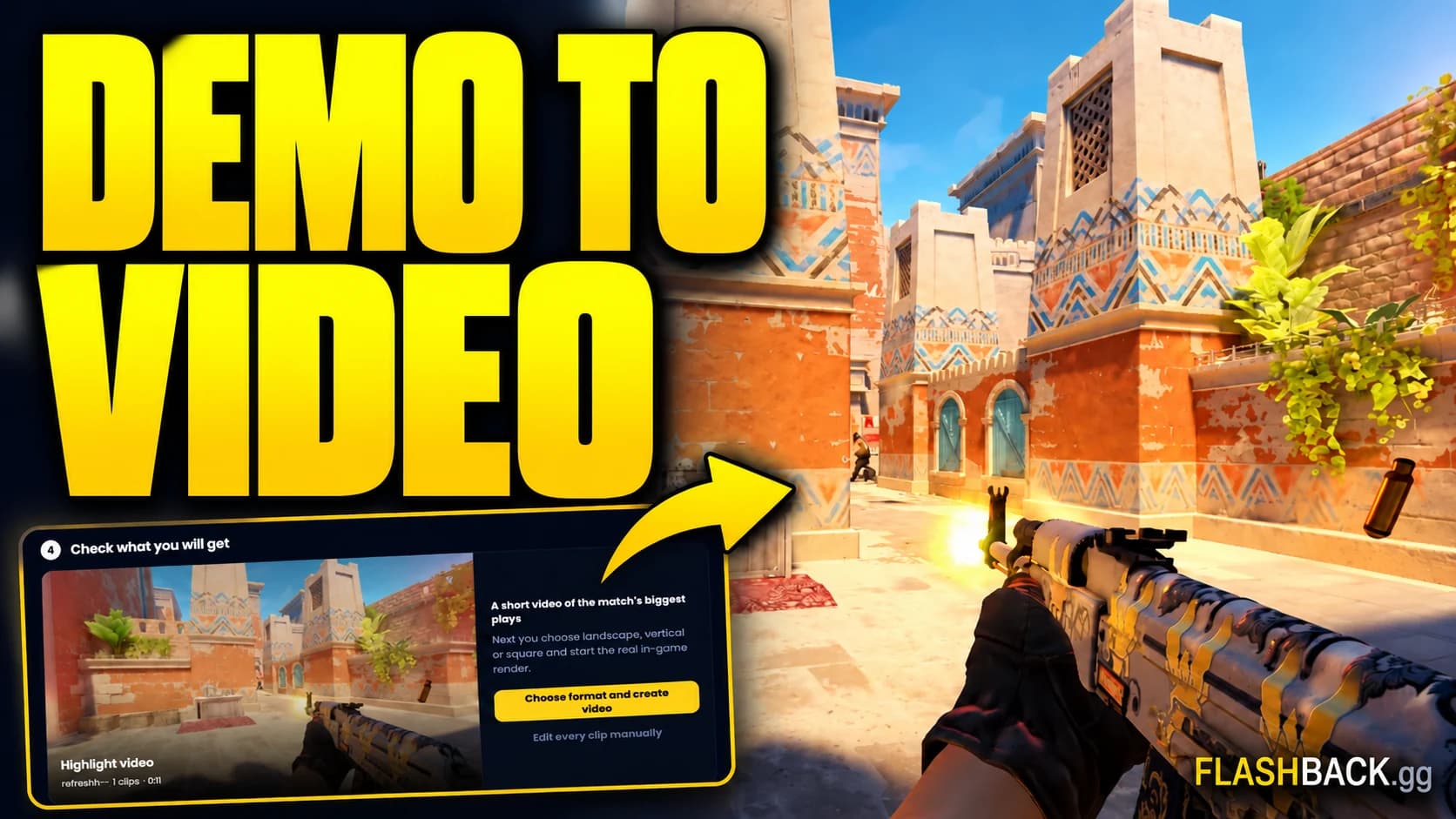
Render a CS2 POV video
Go from a match demo to a shareable first-person clip, with a clear check before you spend a video export.
Read guide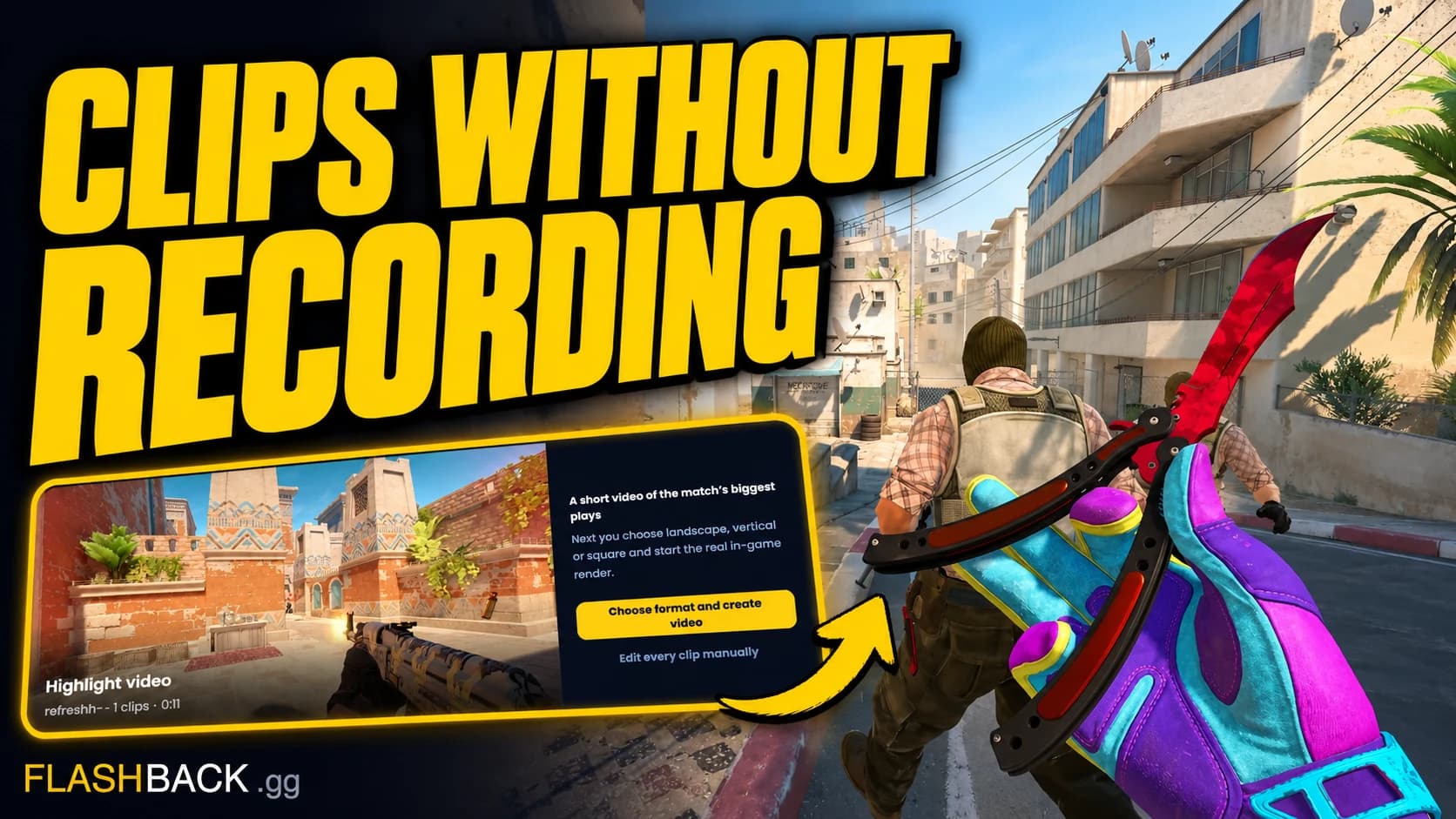
Recover a clip you missed
Your recorder missed the play. Check the match demo, recover the round and turn it into a video while the source is still available.
Read guide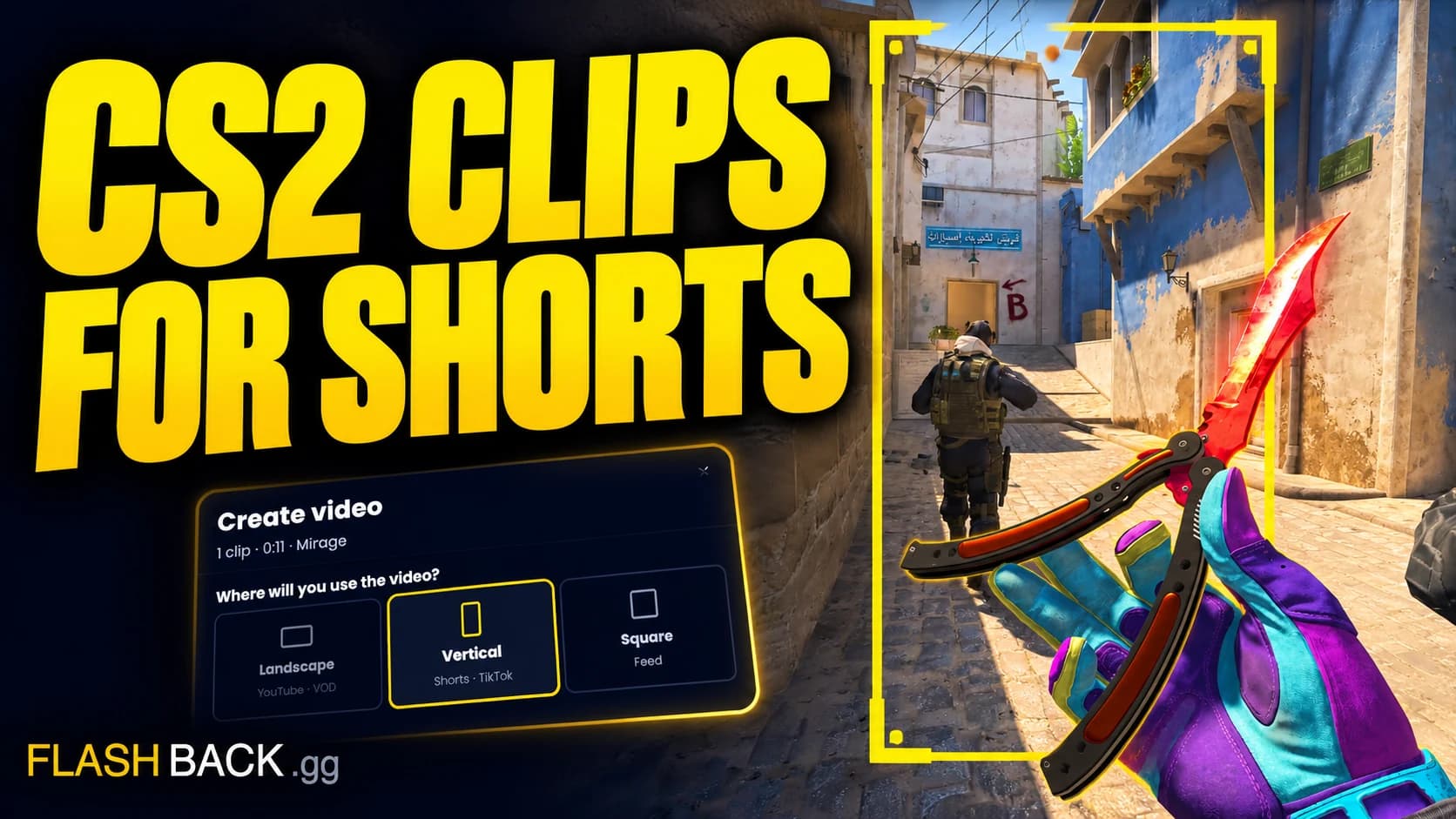
Make clips for TikTok & Shorts
Build a short around one readable play, choose a vertical export and check the result before posting.
Read guide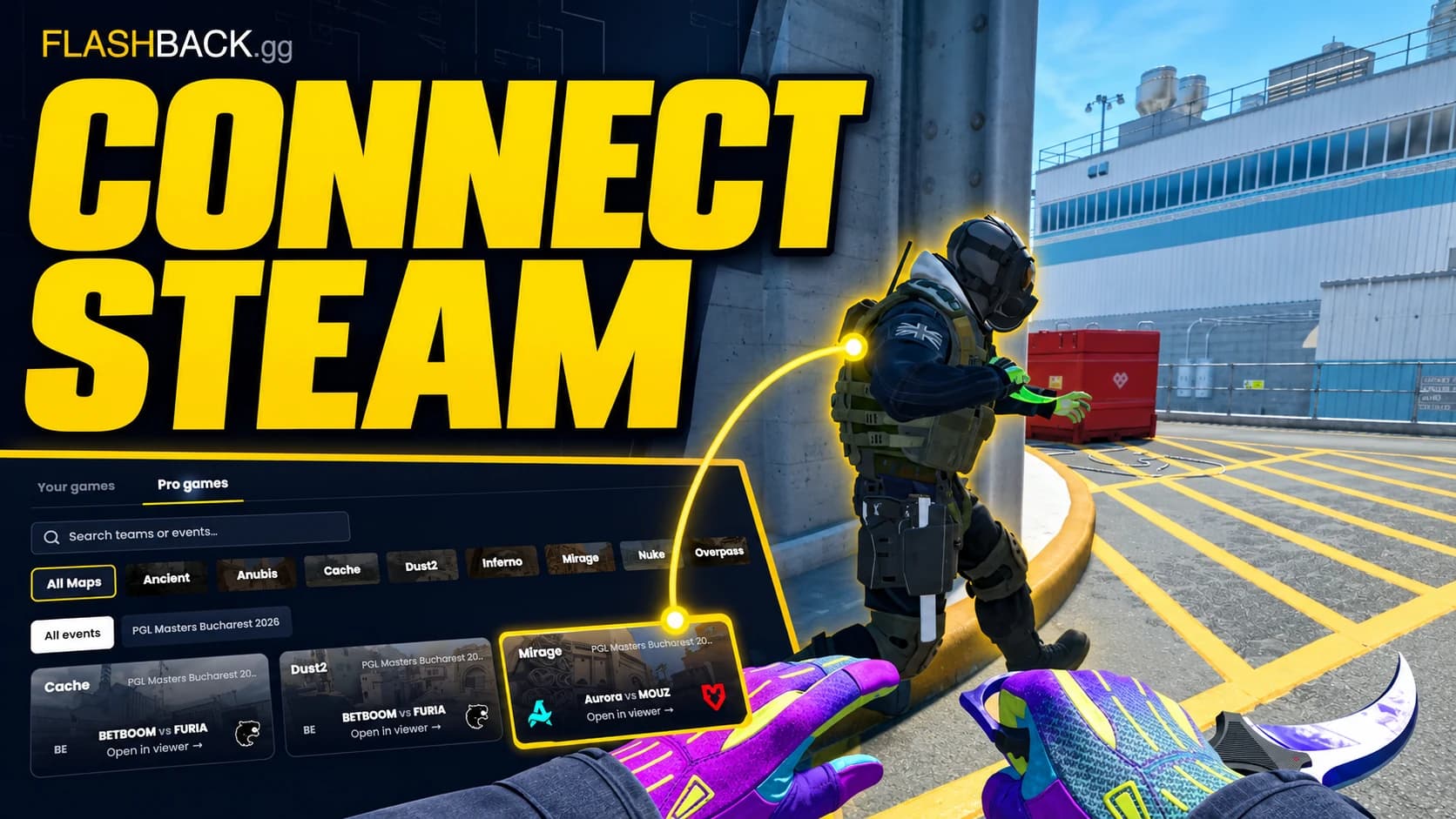
Connect Steam match history
Set up match sharing, find the right game and understand why a match may still need its demo.
Read guide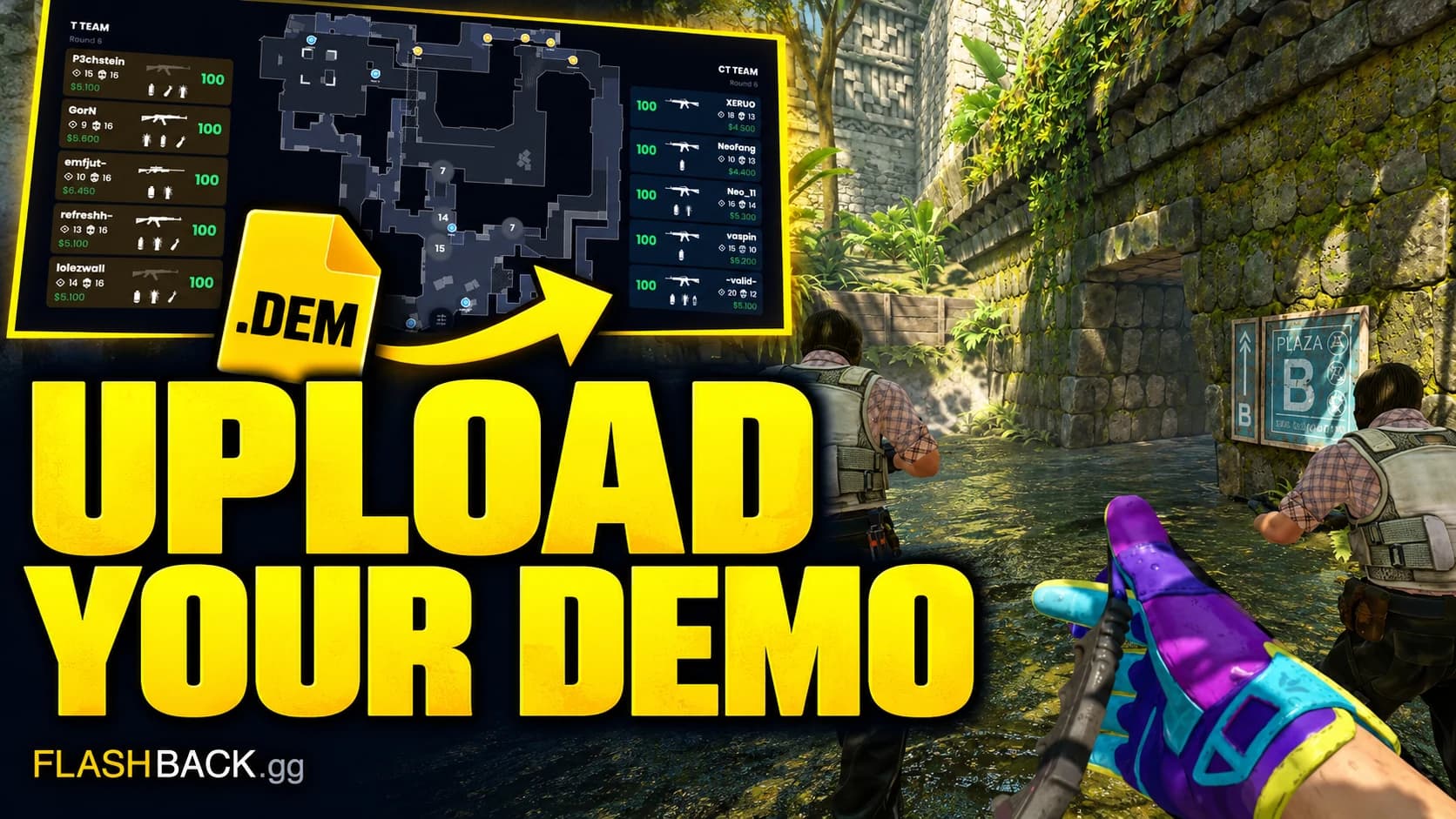
Upload your .dem file
Check your file, unpack unsupported archives and get the replay onto the radar.
Read guide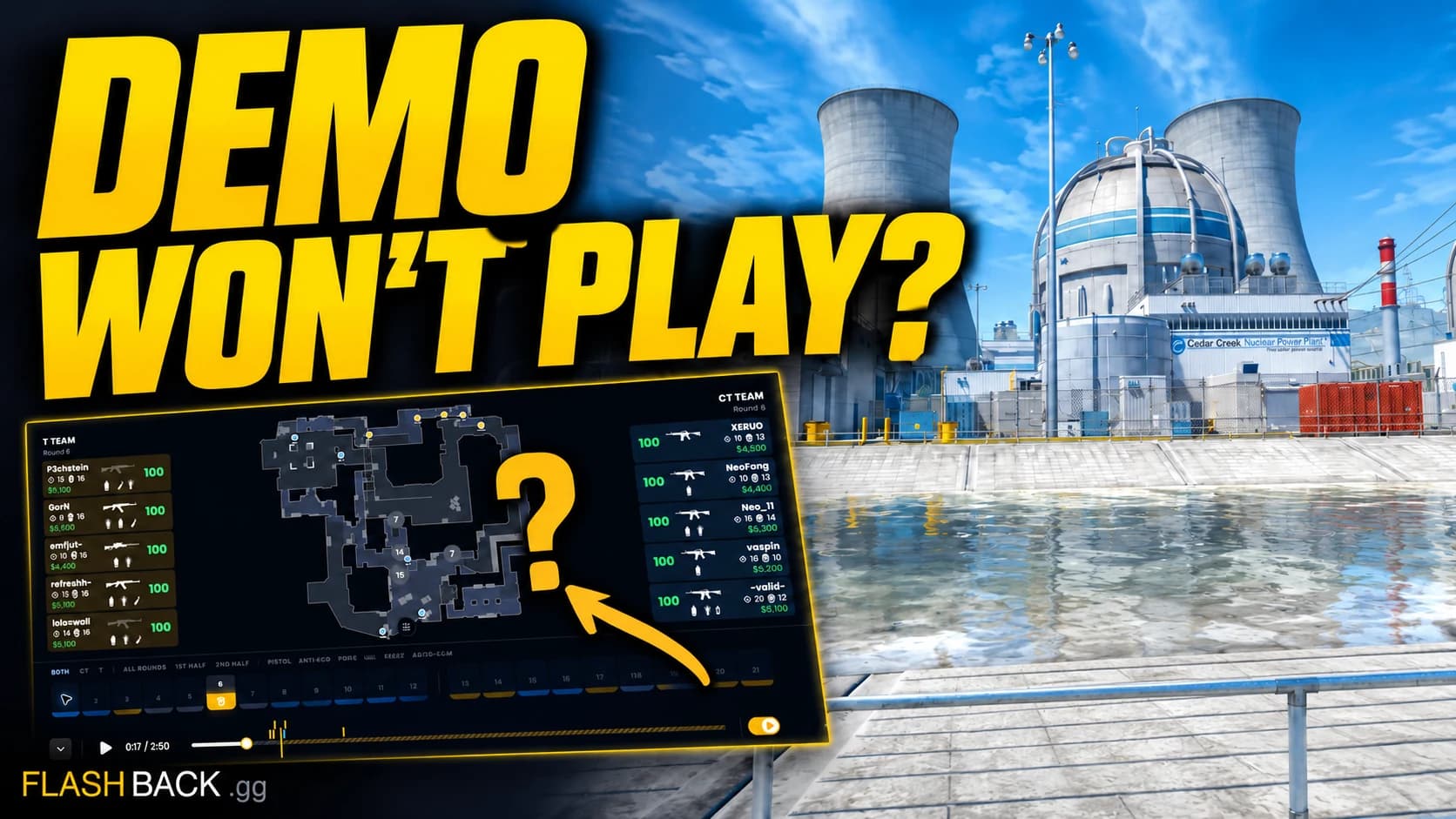
Fix a demo that will not open
Find the failing stage before retrying a download, upload or analysis request.
Read guide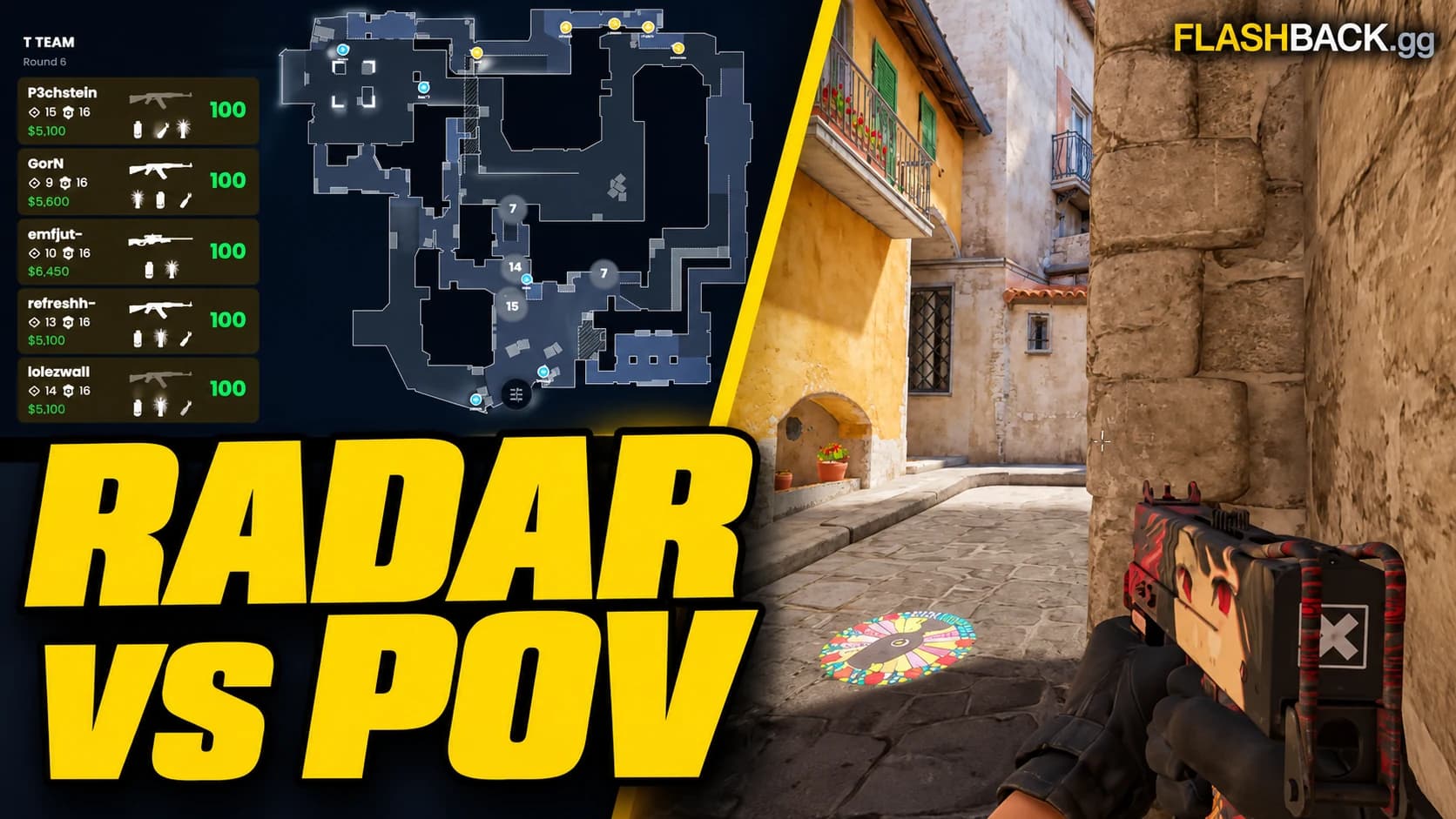
2D replay or POV video?
Use the radar to understand the round and a POV video to show the play.
Read guide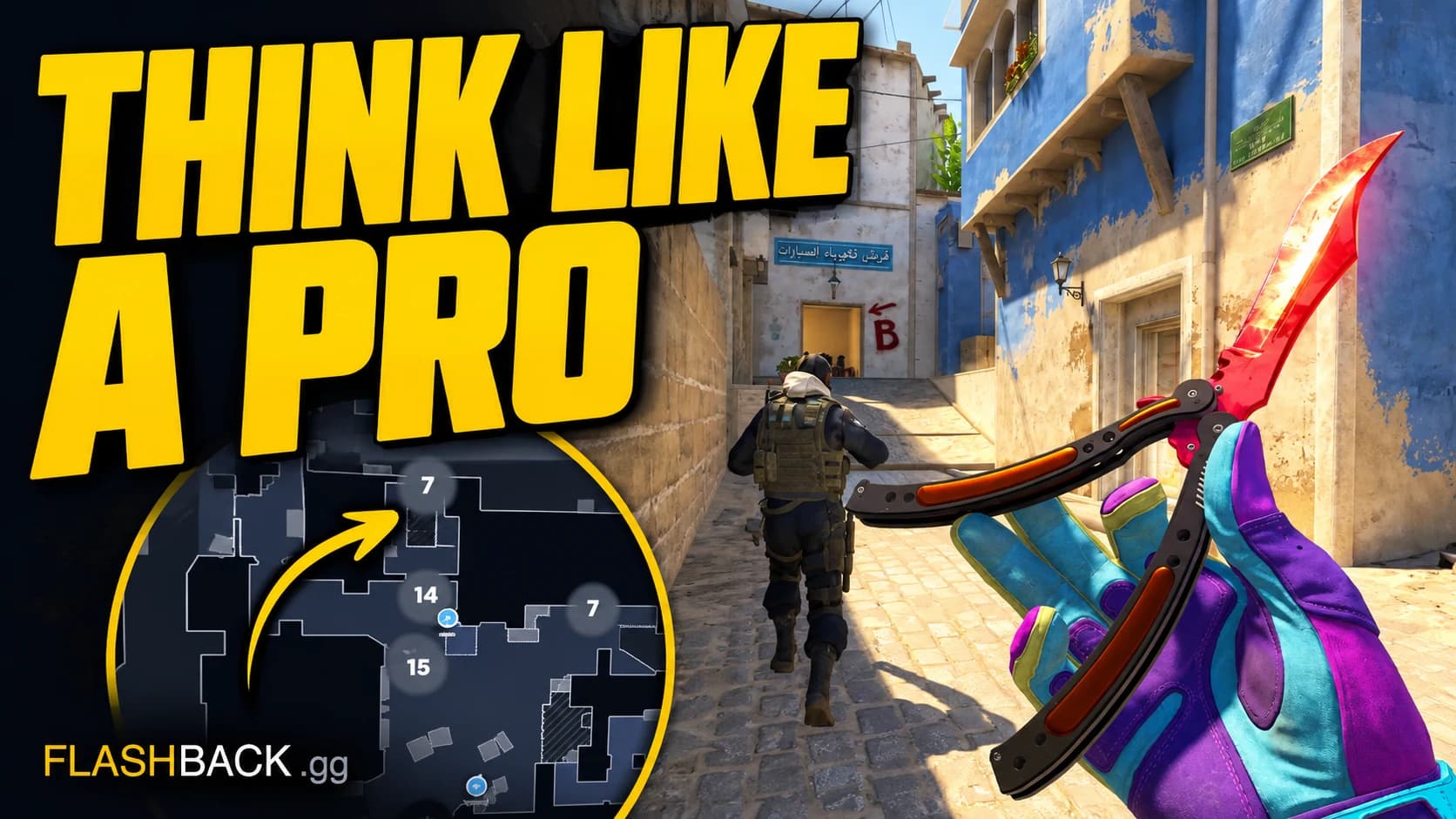
Study pro CS2 demos
Pick your map and role, then take one repeatable idea into your next game.
Read guide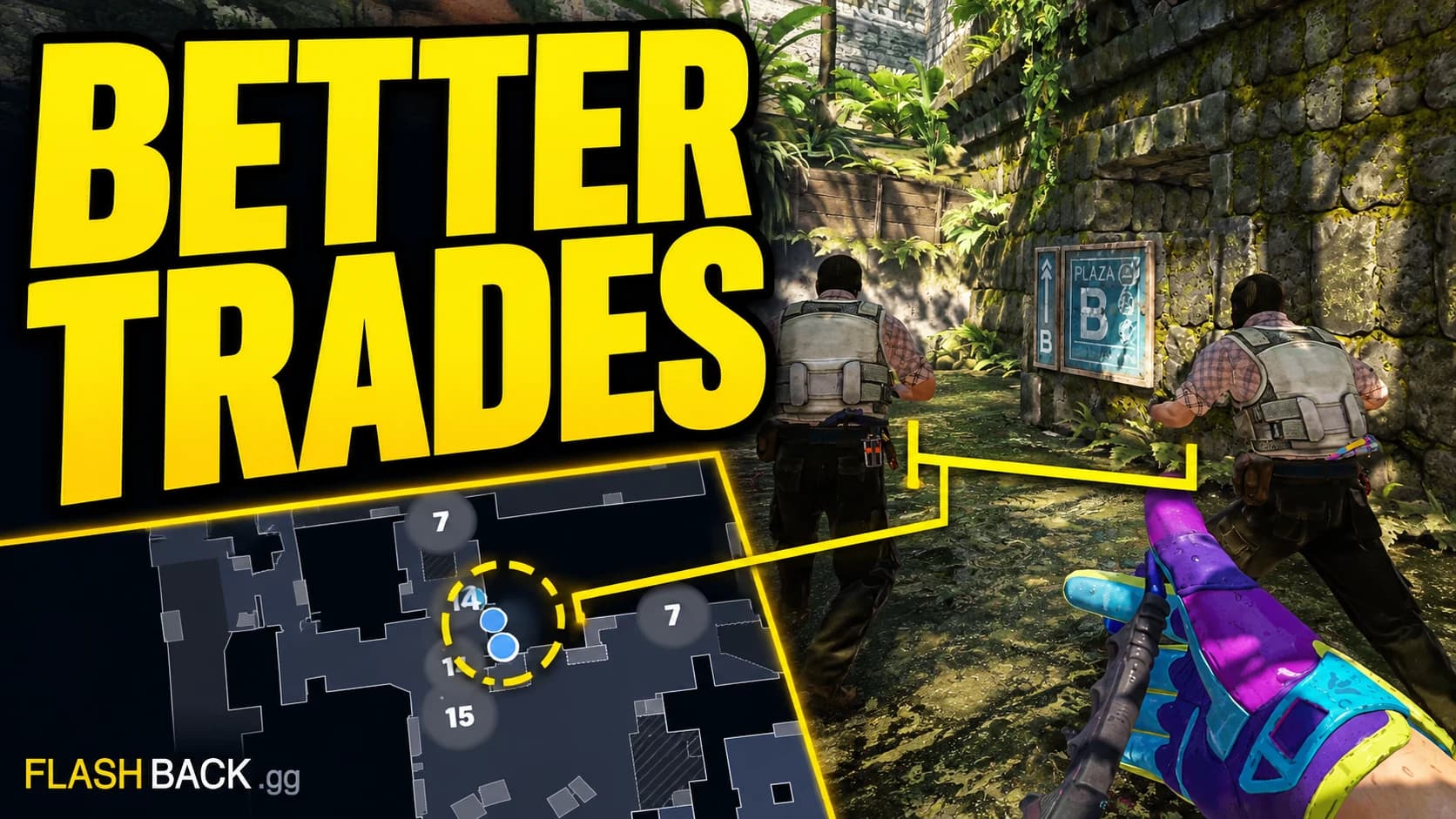
Review trades and spacing
Use the radar to check whether a teammate could actually trade the first contact.
Read guide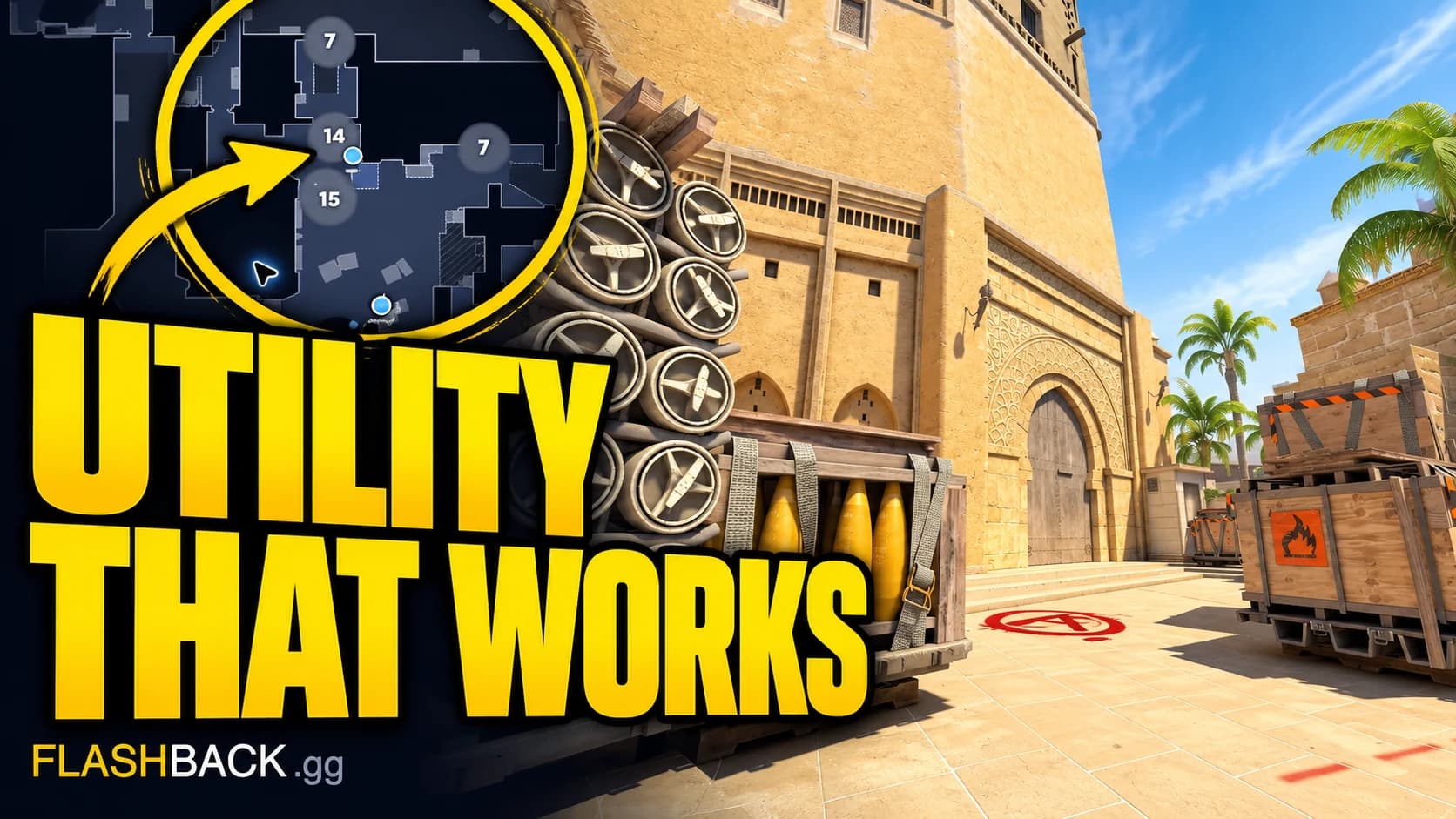
Review CS2 utility timing
Check what the grenade was meant to do and whether the team was ready to use it.
Read guide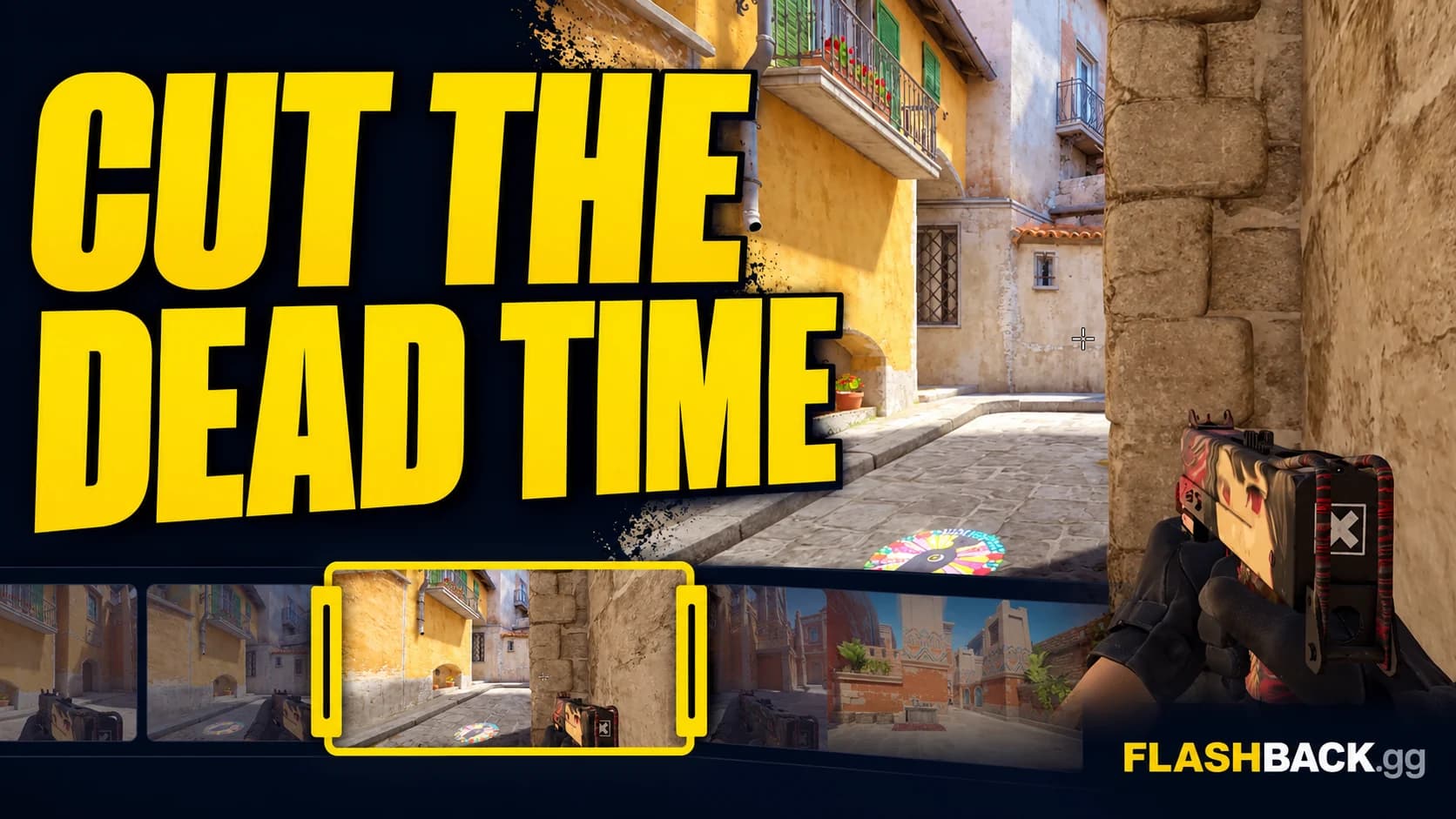
Trim and edit CS2 clips
Choose the player, tighten your segments and check the cut before rendering.
Read guide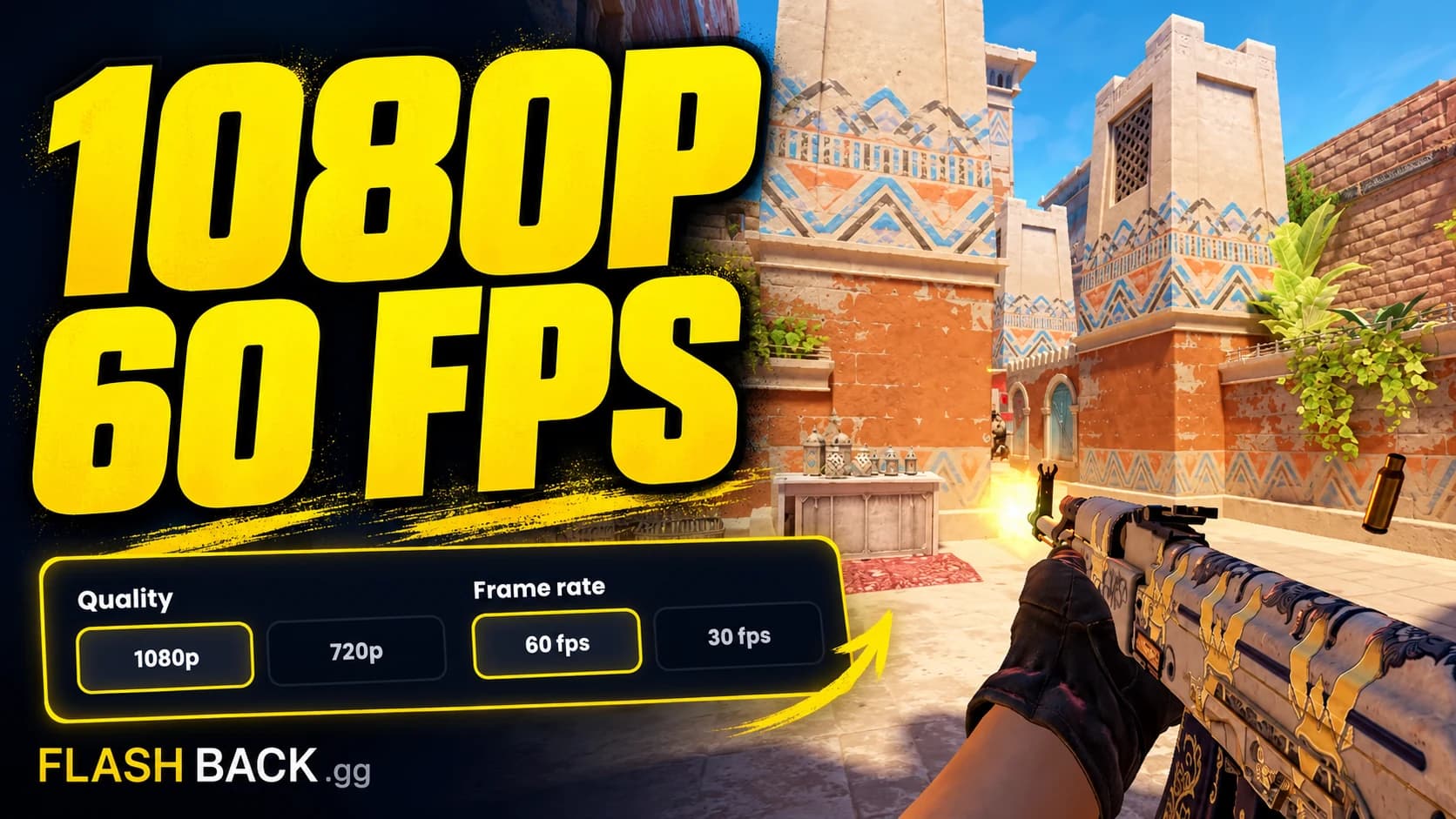
Choose the right video export
Understand 16:9, 9:16, resolution and frame rate before you create the video.
Read guide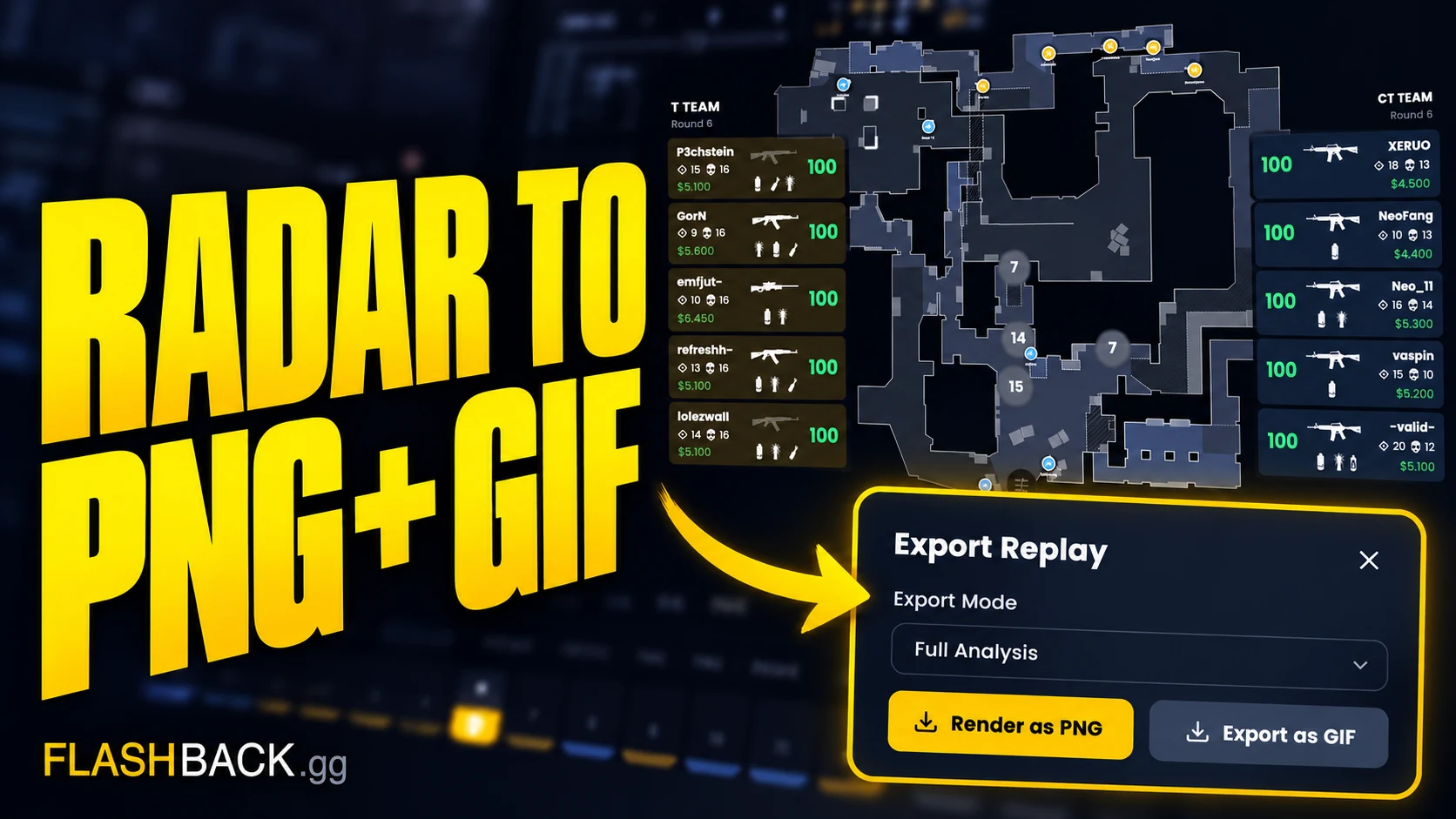
Export a radar PNG or GIF
Turn a paused position or short radar sequence into something your teammates can use.
Read guideTake it into your next round.
Open a pro demo in the viewer. No account needed to get started.