
How to save a CS2 clip you forgot to record
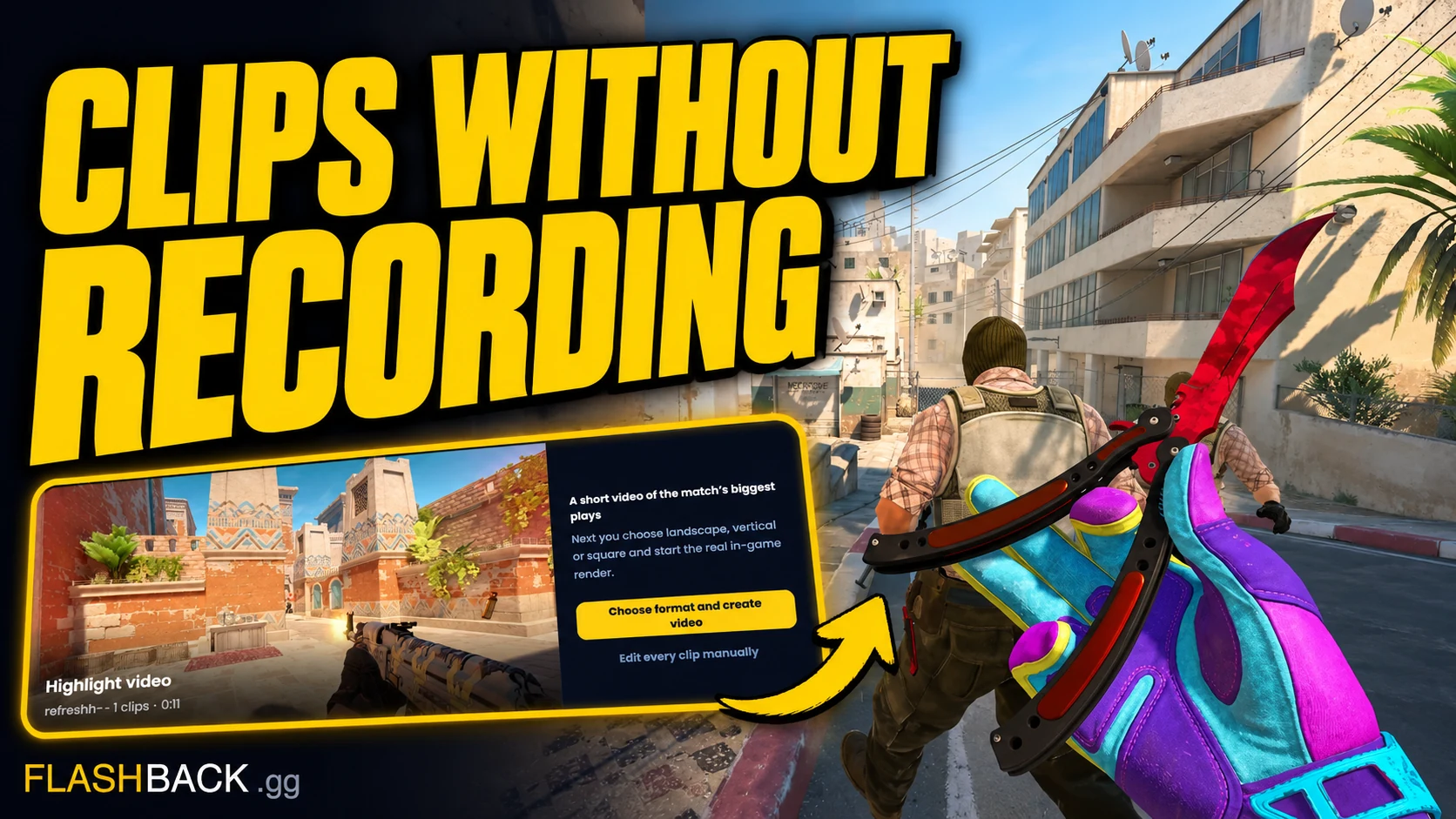
Your recorder missed the play. Check the match demo, recover the round and turn it into a video while the source is still available.
Quick answer
You can recover an unrecorded play from an available tracked Steam or FACEIT match. A saved standalone demo can still be reviewed, but the current Studio render needs the tracked match source. Find the match, identify the round and player, then build and render the POV cut in Studio. Match statistics alone cannot recreate a demo that is no longer available.
Jump to a section
Before you start
- POV rendering currently needs an analysed, tracked Steam or FACEIT game from Your games. A standalone upload is not a render source.
- This works from the match demo, even if no local recorder was running.
- The demo must still be available or you must already have a copy.
- A rendered demo POV will not recreate your microphone, facecam or stream overlay.
Check what source you still have
First check whether Steam Game Recording, your GPU recorder or another capture tool actually saved the moment. If a recording exists, you can cut that video directly in a video editor. Flashback's demo workflow is useful when no local video exists.
For a match with an available server demo, the gameplay can be replayed after the match. Flashback can analyse the replay. The current Studio render also needs an analysed, tracked Steam or FACEIT match from Your games to resolve its source. The result is a reconstruction from match data, so it will not include your facecam, microphone reaction or the exact overlays on your screen.
Find the match while its demo is available
For a Steam match, connect Steam and set up match-history access in your profile. For FACEIT, connect the account used for that game. Then find the match by map, score and date in Your games.
If you saved a local demo, upload it for analysis and review. A standalone upload does not currently provide a Studio render source. A .dem.zst can be uploaded directly; extract other supported archive containers until you have a .dem. Source retention is limited and older demos can become incompatible after game updates, so save important plays promptly.
Find the round and keep its context
You do not have to remember an exact timestamp. Open the analysed match in the viewer and use the round timeline and kill feed to locate the play. If you remember an ace on the CT side or a late retake, start with those rounds.
Replay a few seconds before the first kill. The interesting part may be the rotation, flash or decision that set up the play. Note the round and the player; both matter when you select the cut in Studio.
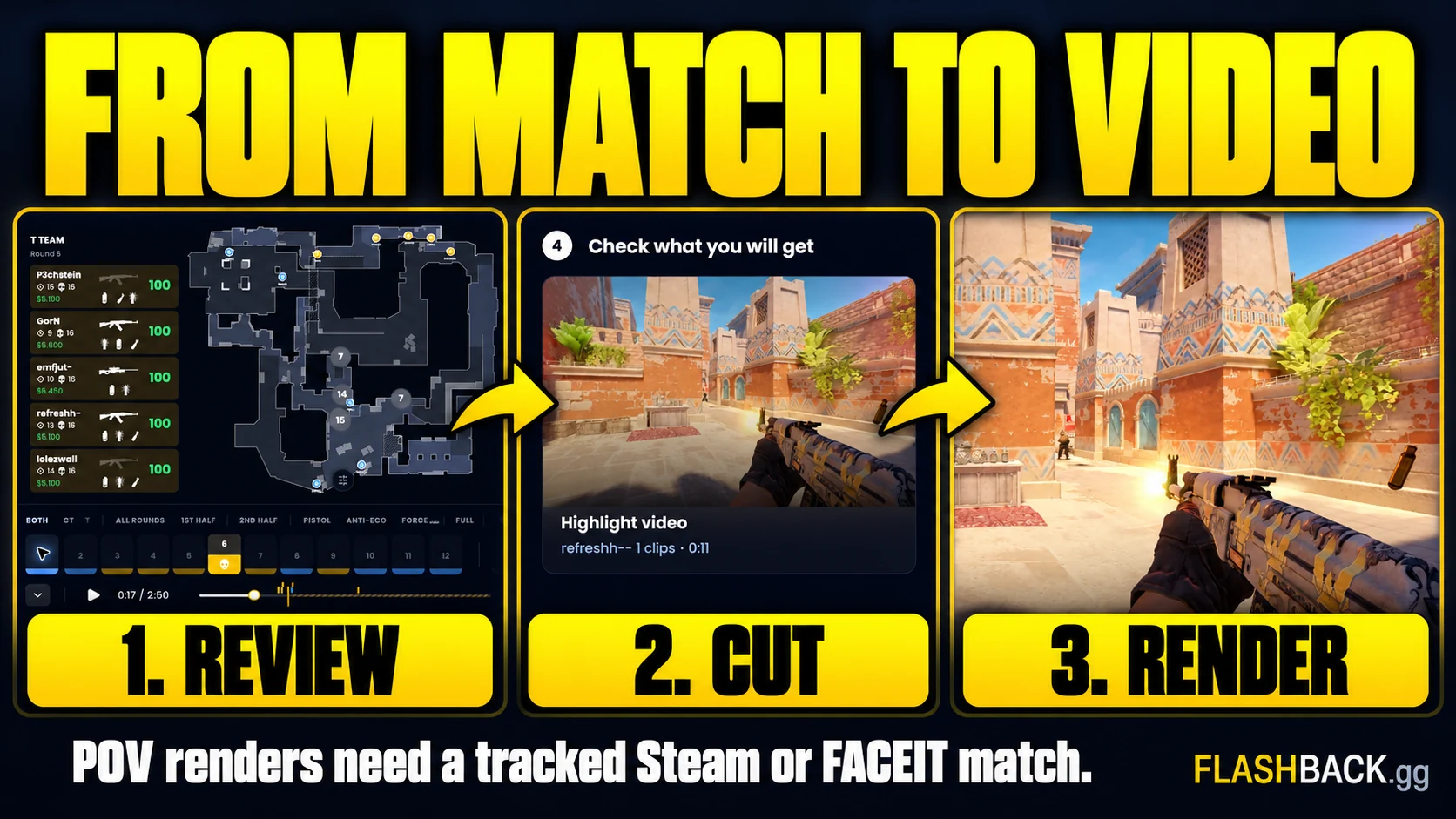
Render the selected moment as a POV clip
Open the same match in Studio, select your player and build a cut around the moment. Review the selected segments on the 2D preview. Use the desktop Pro editor (Plus or Pro) if you want more control over where a segment begins or ends.
Choose a landscape, vertical or square export for the destination, then create the video. Rendering requires a plan with video exports. The finished POV appears in Your Content after processing; download and check it before posting.
Mark the next play from in-game chat
For a future match, type "flashback clip that" in all chat during the round you want to keep. Flashback can read the command from the match demo and render the full round from your POV. The command is a marker for the demo workflow, not a live screen recorder.
The match must be available to Flashback and its demo must be retrievable and processable. Check the Clip That page for the setup and current requirements. Adding the command after the match has finished will not insert it into an old demo.
Common questions
Can I clip a CS2 play after the match without OBS?
Yes, if a compatible match demo is still available. Flashback can render the play from the demo without a local screen recording.
Can I recover my microphone reaction too?
Do not expect a demo render to contain your local microphone, facecam or stream overlays. Recover those from an actual recording if you have one.
Can I recover a clip from an expired demo?
Only if you have another usable source, such as a saved demo or recording. Flashback cannot recreate missing gameplay from match statistics alone.
Put the guide to work
A saved play from an available demo. Open the tool when you are ready, or follow a related guide below.