
CS2 2D replay or POV video: which one do you need?
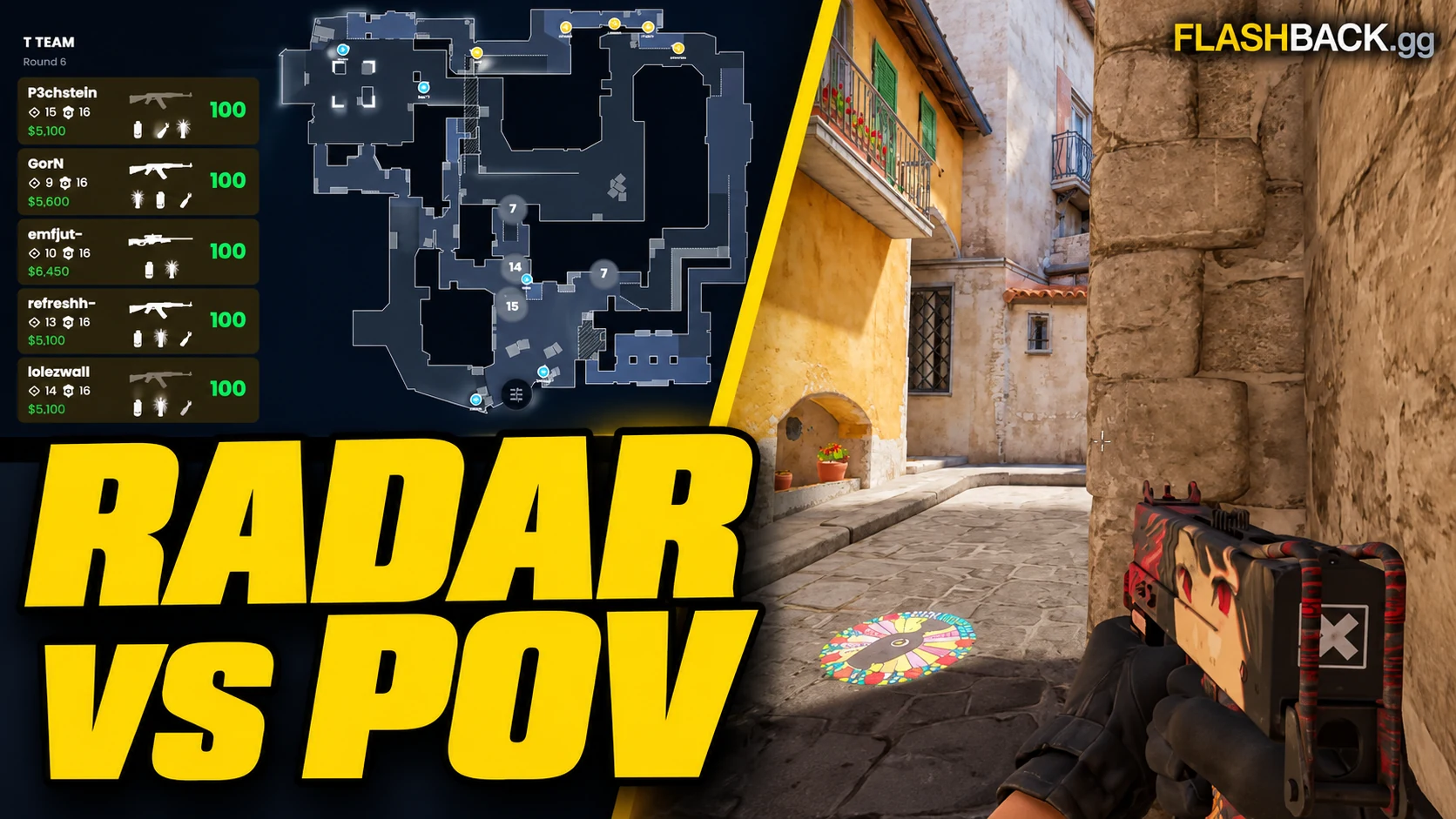
Use the radar to understand the round and a POV video to show the play.
Quick answer
Use a 2D radar replay to study the whole round: player spacing, rotations and utility timing. Use a POV video to show the in-game play from one player's perspective. PNG and GIF exports document the radar; Studio creates the separate first-person video.
Jump to a section
Before you start
- A 2D replay shows match positions and events on a radar.
- A POV video shows a player's in-game perspective.
- The Studio preview is for checking a cut; rendering creates the gameplay video.
Use 2D when the question is about the whole round
The radar is useful when a single player's view leaves out the cause of a fight. You can follow the timing of a rotation, the distance between teammates or the utility arriving before a site hit. Start with a question such as whether the second player could trade the entry.
Watch before the first important action, not only the death itself. Check the other players and the information available at that moment. A radar gives you a wider view than the player had, so separate what the replay reveals from what the player could reasonably know while playing.
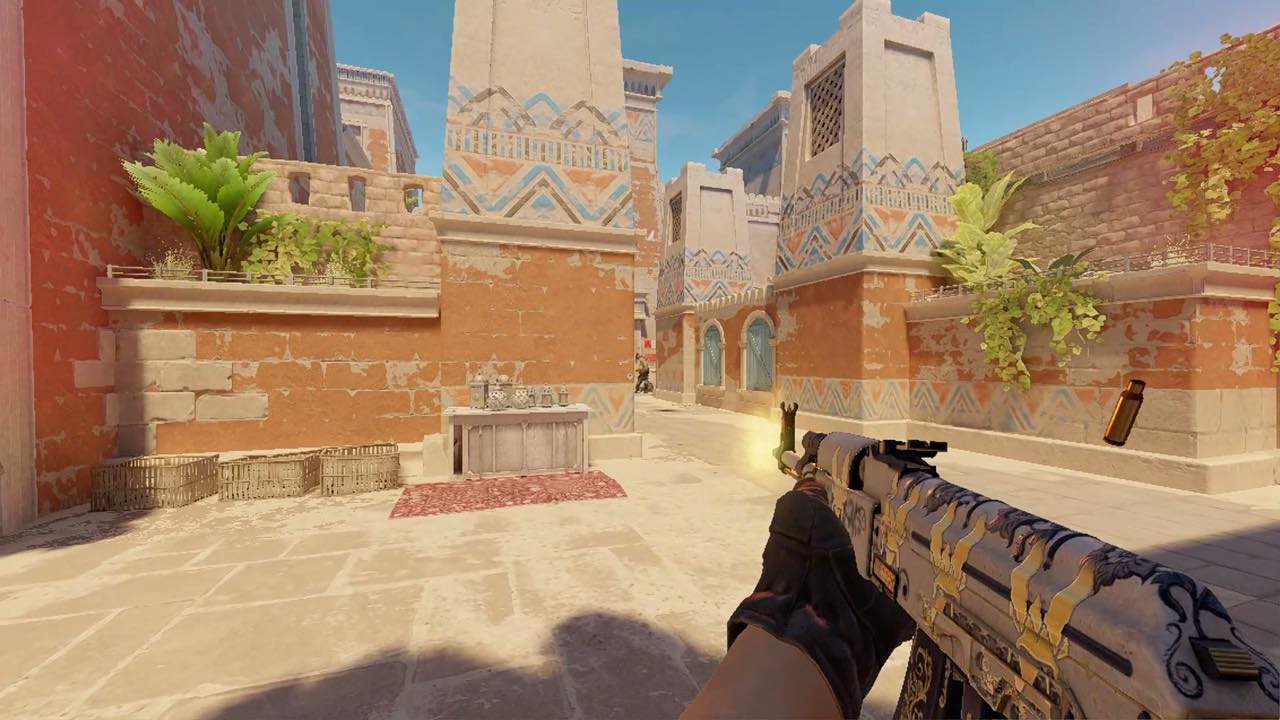
Use POV when the action needs to be seen in first person
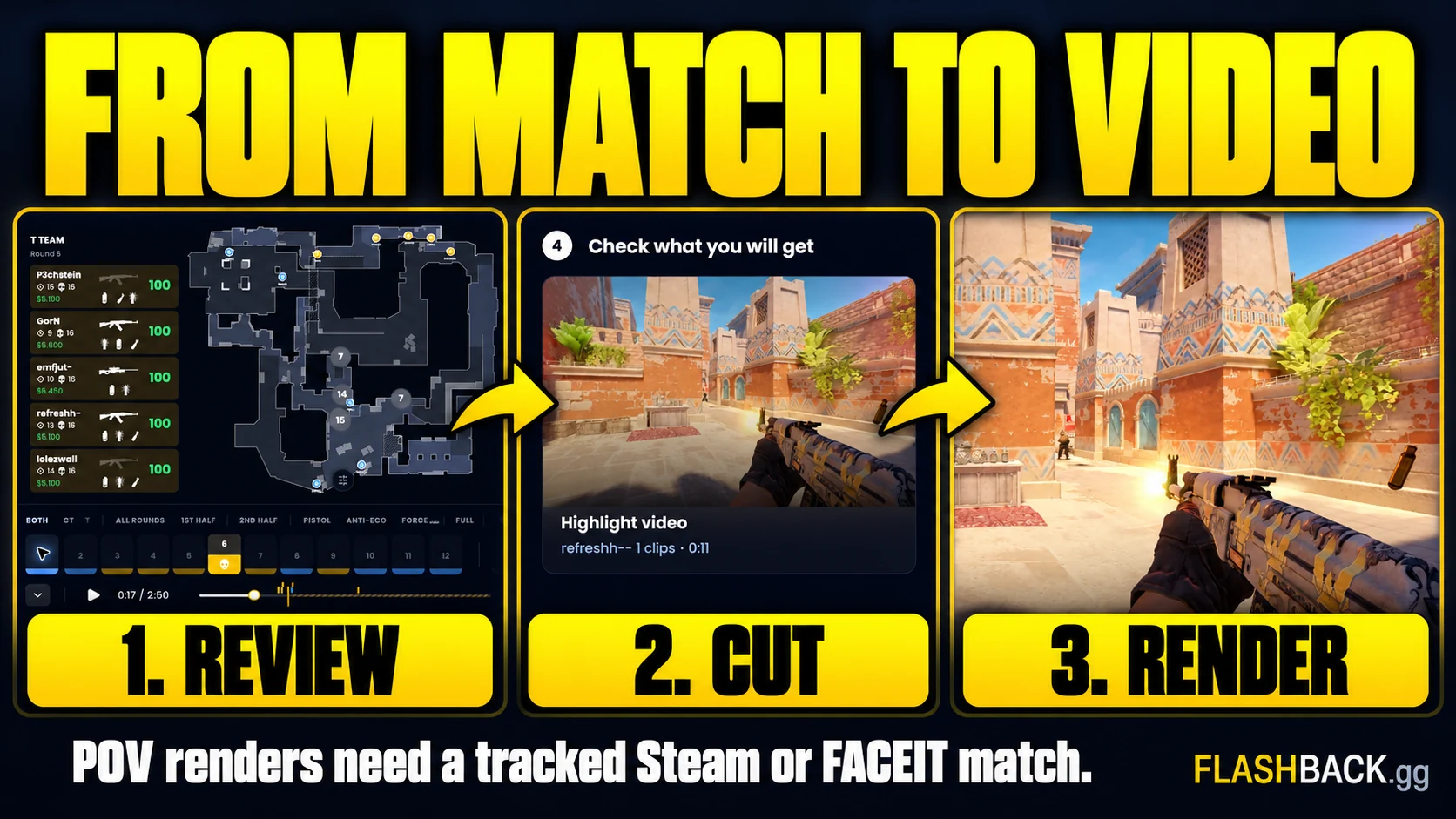
A POV video is the useful output for a frag clip, a clutch or a gameplay montage. It shows what the in-game scene looks like from the selected player's perspective, rather than moving markers on a map. Select the match and player in Studio, then build a cut from the moments you want.
The 2D preview helps verify which actions and times are selected. It cannot prove that a vertical frame looks good or that the final audio sounds right. Those checks belong to the completed rendered video. Review that file before sharing it.
Choose a still, an animation or a gameplay video
A PNG works for a paused tactical situation: player positions, a proposed route or a utility setup with annotations. A GIF helps explain movement over a short sequence. These viewer exports remain radar views and are useful for team discussion.
For a video that looks like CS2 gameplay, choose Studio's POV render. A file extension or a social destination does not change the underlying view. Exporting an animated radar is not the same as rendering a first-person clip from the demo.
- PNG: explain one state or position.
- GIF: explain a short radar sequence.
- POV video: show the in-game play.
- Demo file: keep the source data for later analysis.
Use both views for the same moment
A useful review can start on the radar and finish with a POV clip. First identify why the fight happened, then inspect how the moment looked from the selected player's perspective. Keep the match, round number and player consistent between the two views.
For example, a late trade on the radar may reveal that the support player was clearing another angle. The lesson can be a clearer entry plan rather than faster aim. Save a radar image for the team and a short POV clip if you also want to discuss the duel itself.
Common questions
Does exporting a GIF create a gameplay video?
No. The viewer's GIF export animates the radar view. Use a Studio render for first-person gameplay.
Do I need CS2 installed for Flashback's browser viewer?
No. The 2D viewer runs in the browser. Studio's POV video rendering also runs on Flashback's servers.
Put the guide to work
The right replay or export for your goal. Open the tool when you are ready, or follow a related guide below.