
CS2 demo review guides
See the decisions behind the score. Start with one round, then follow the players, support and timing that made the fight happen.
Open the 2D viewer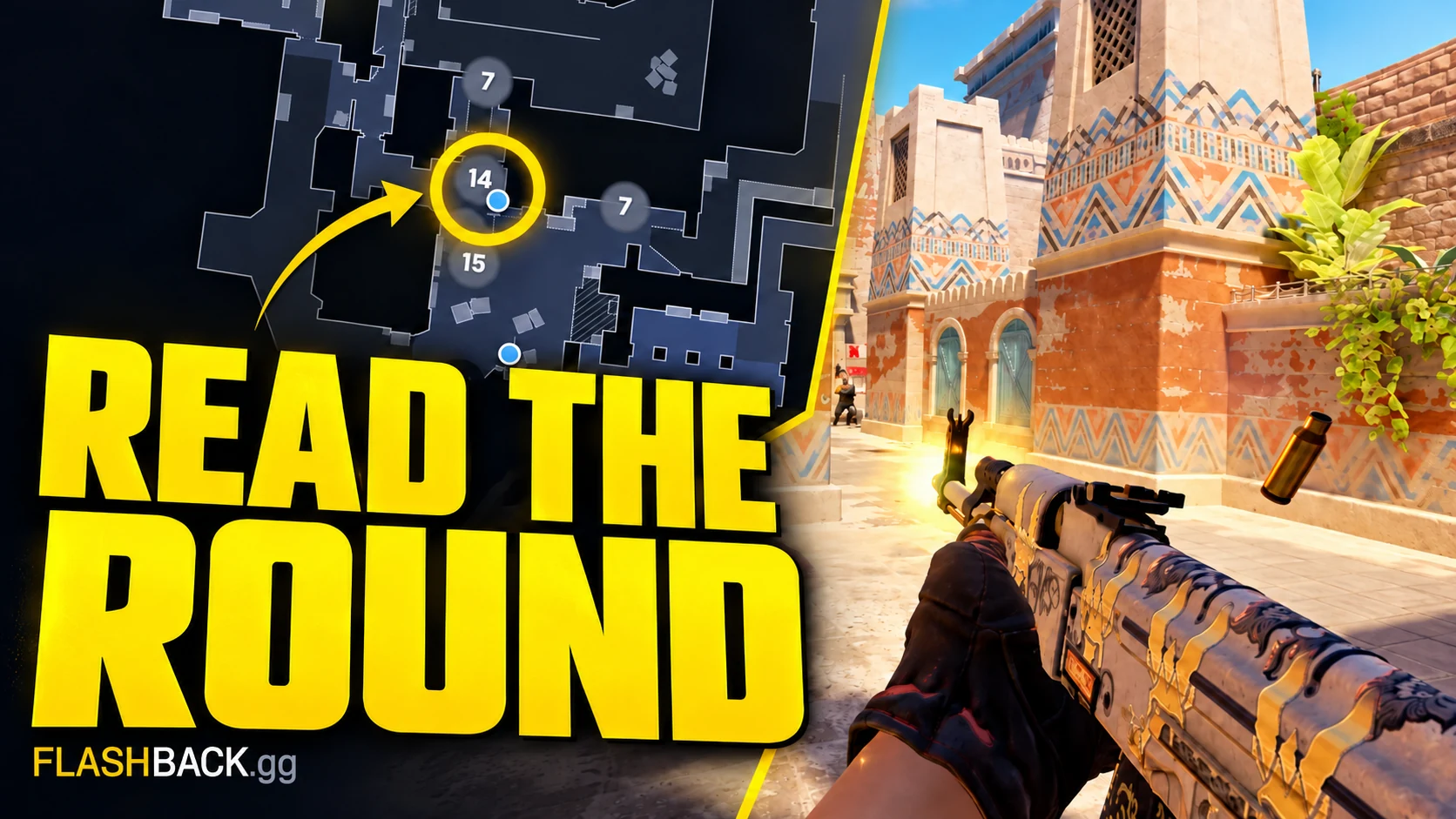
A good CS2 demo review begins with a question. Choose a missed trade, a late rotation or a site entry, then rewind before contact. The radar lets you follow both teams together, while a POV video gives a selected player's in-game perspective. Keep those views distinct when deciding what a player could know during the match.
Start with the viewer walkthrough if you are new to demo analysis. Use the FACEIT guide for account and source checks, or study a pro round on a map and role you play. Once the controls are familiar, the trade and utility guides provide repeatable questions you can apply to your own games. Save one observation to test, then return to a similar round after the next match.
A practical starting path
- Watch and review a CS2 demo
Get a match onto the radar, find the decision that changed a round and leave with one thing to practise.
- Review trades and spacing
Use the radar to check whether a teammate could actually trade the first contact.
- Review CS2 utility timing
Check what the grenade was meant to do and whether the team was ready to use it.
All demo review guides
7 step-by-step guides
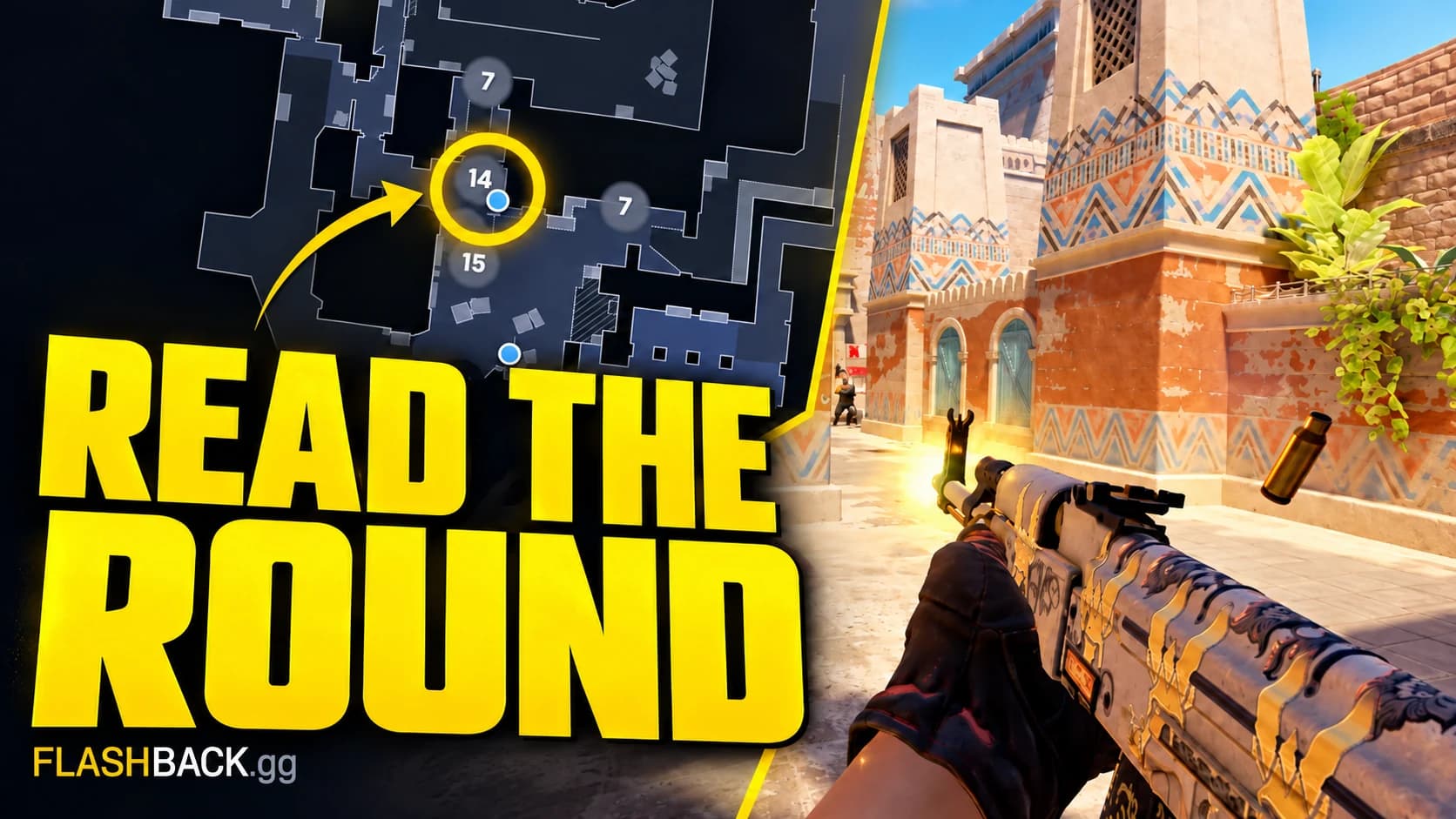
Watch and review a CS2 demo
Get a match onto the radar, find the decision that changed a round and leave with one thing to practise.
Read guide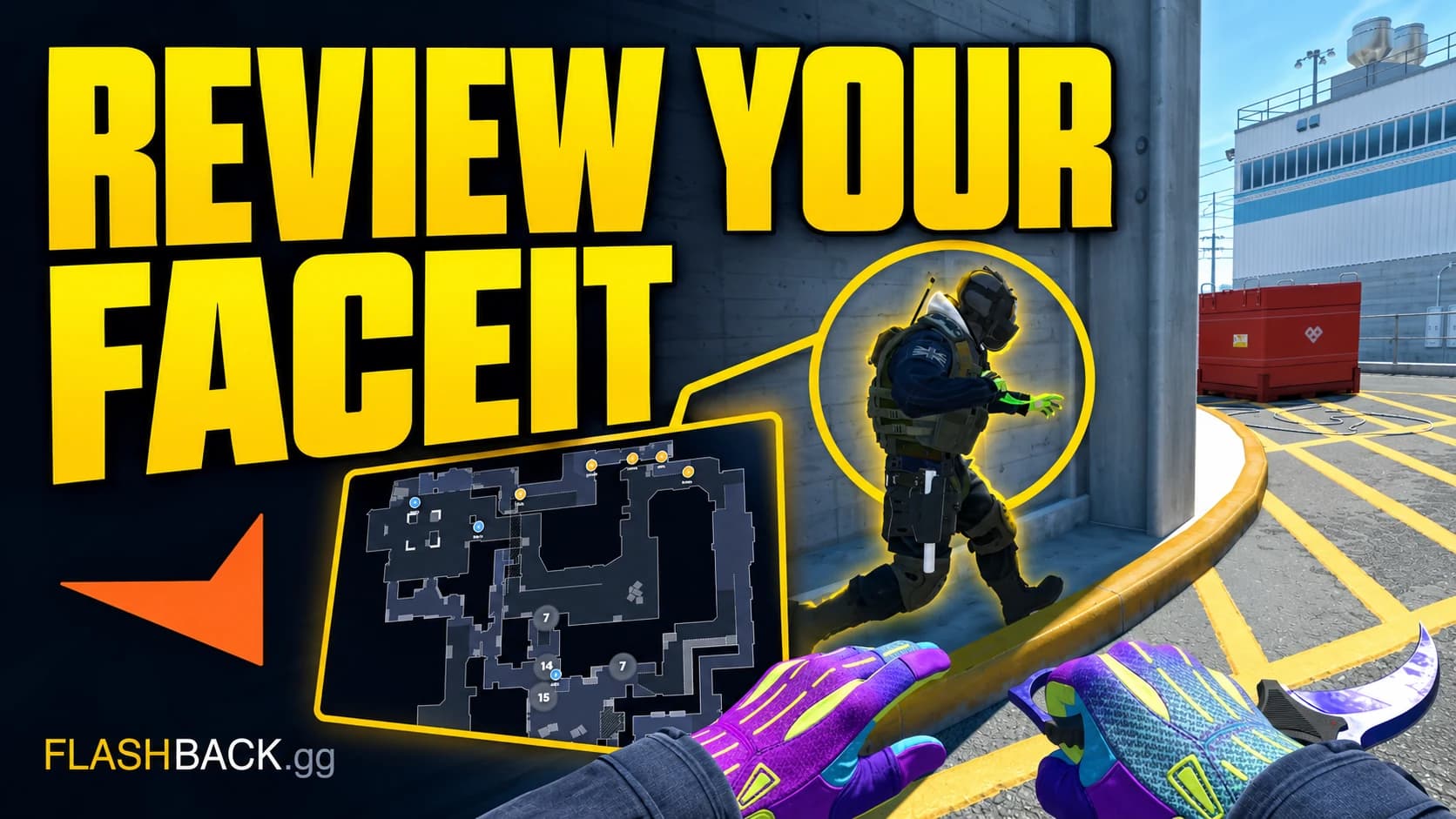
Review your FACEIT matches
Follow a finished FACEIT match from your account to a round review, with a fallback if the demo is missing.
Read guide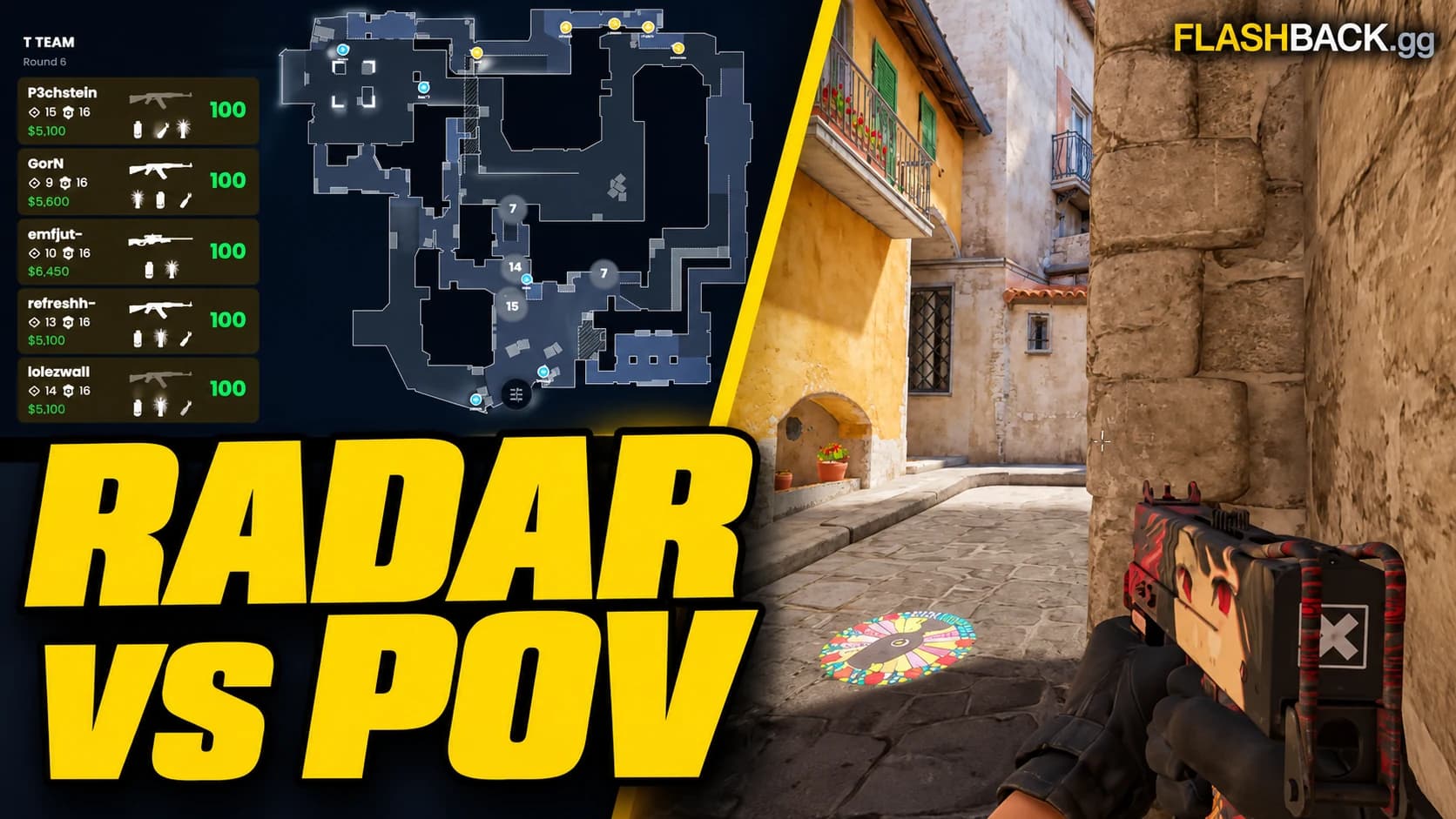
2D replay or POV video?
Use the radar to understand the round and a POV video to show the play.
Read guide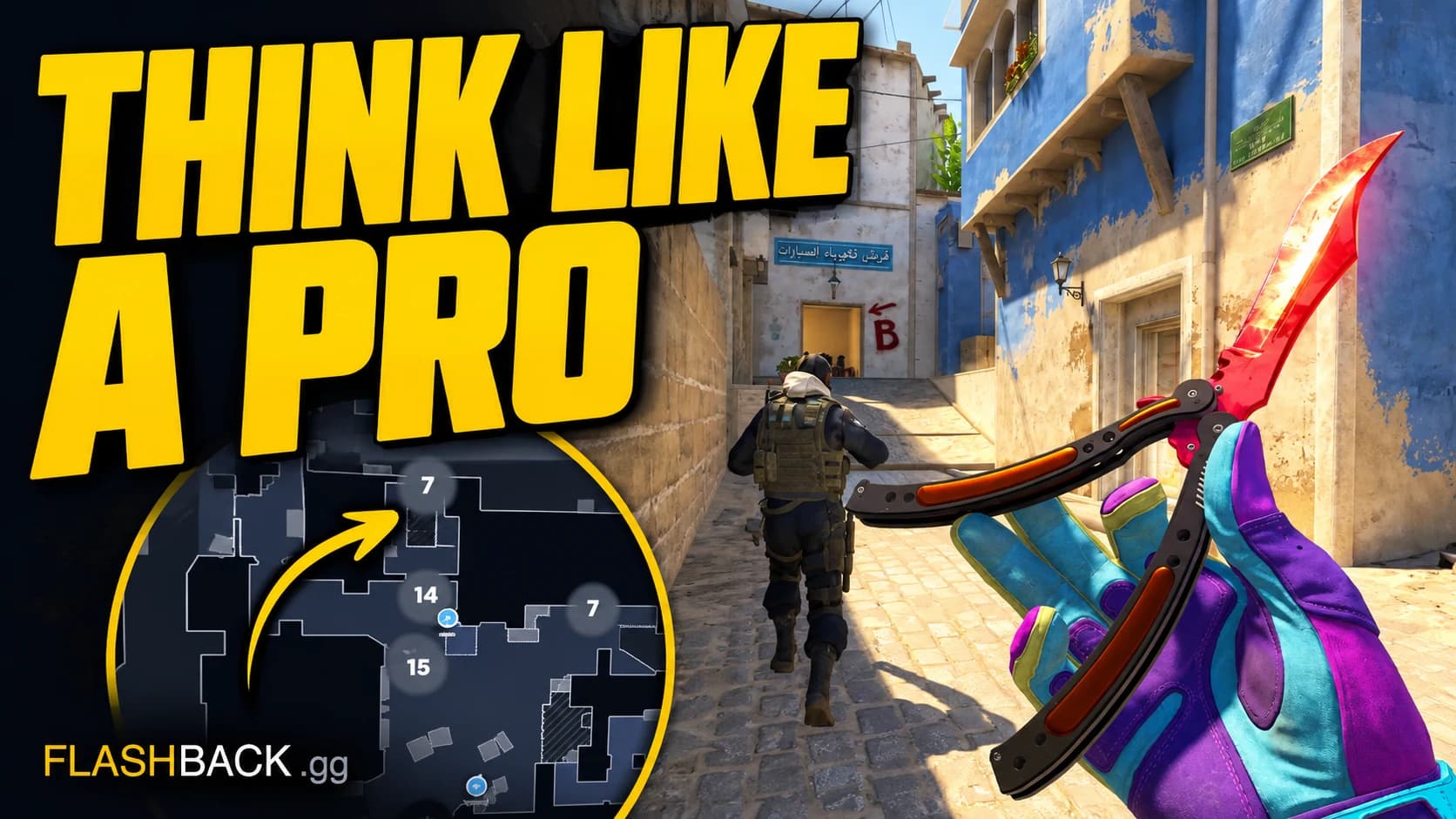
Study pro CS2 demos
Pick your map and role, then take one repeatable idea into your next game.
Read guide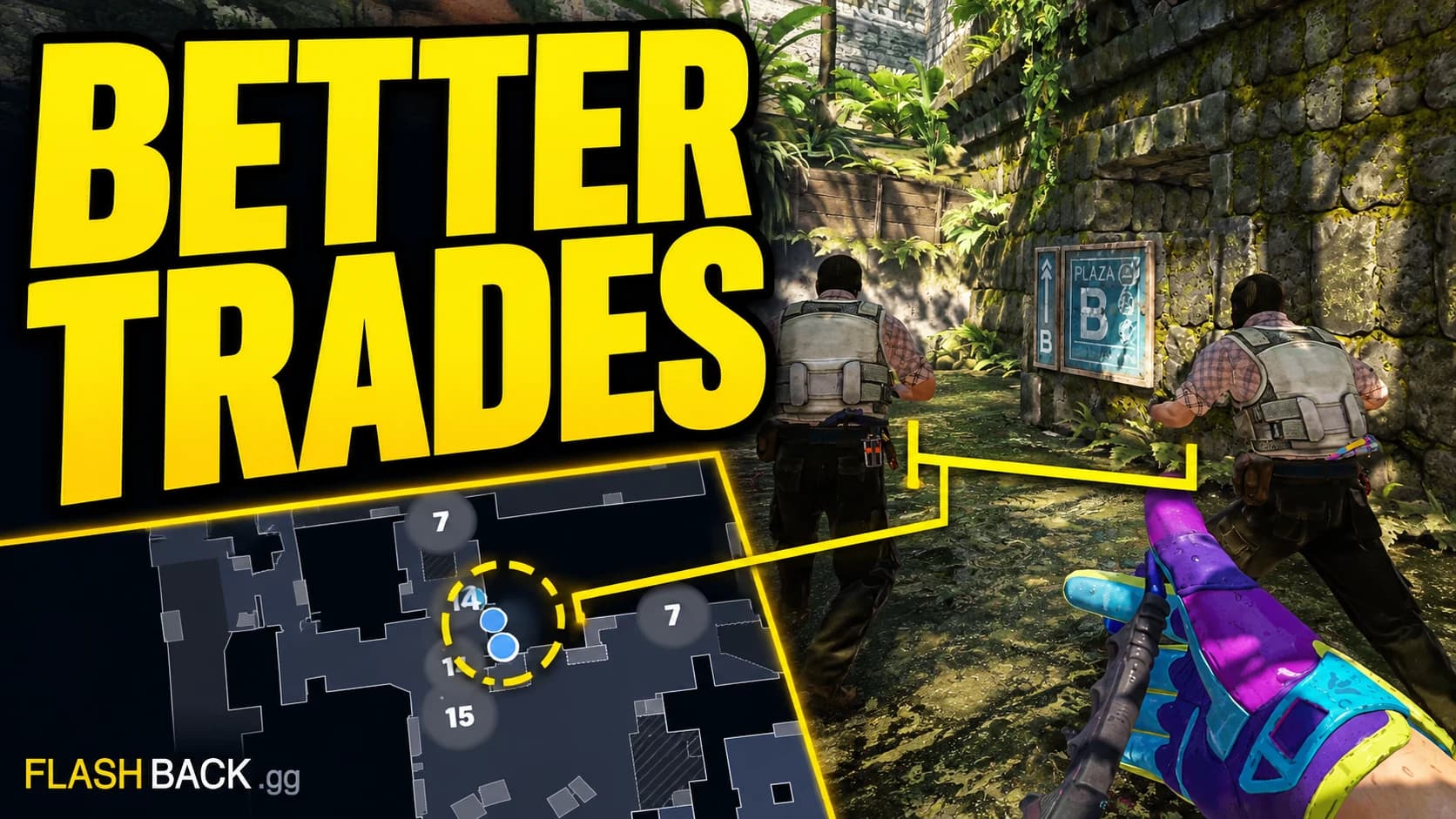
Review trades and spacing
Use the radar to check whether a teammate could actually trade the first contact.
Read guide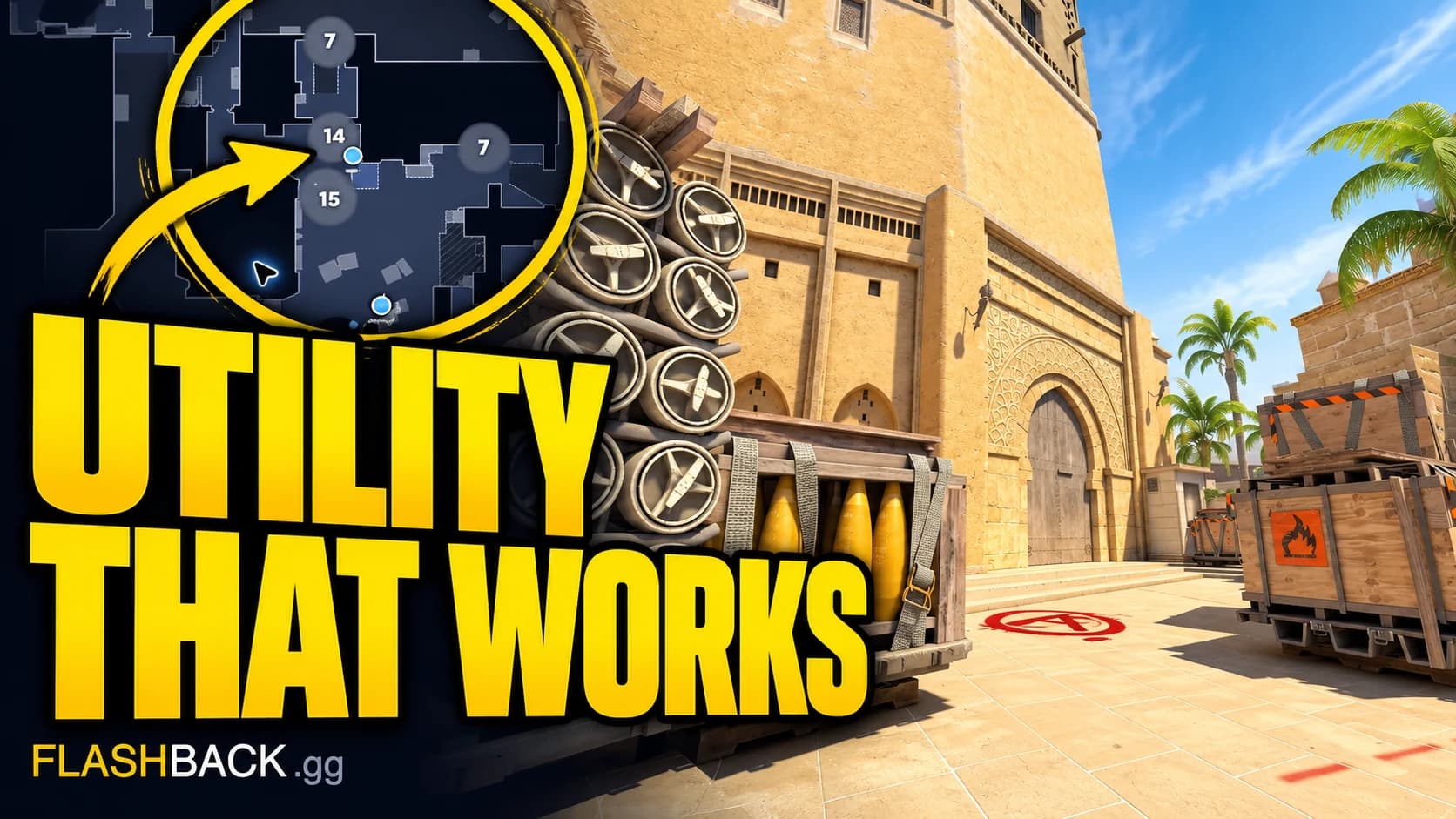
Review CS2 utility timing
Check what the grenade was meant to do and whether the team was ready to use it.
Read guide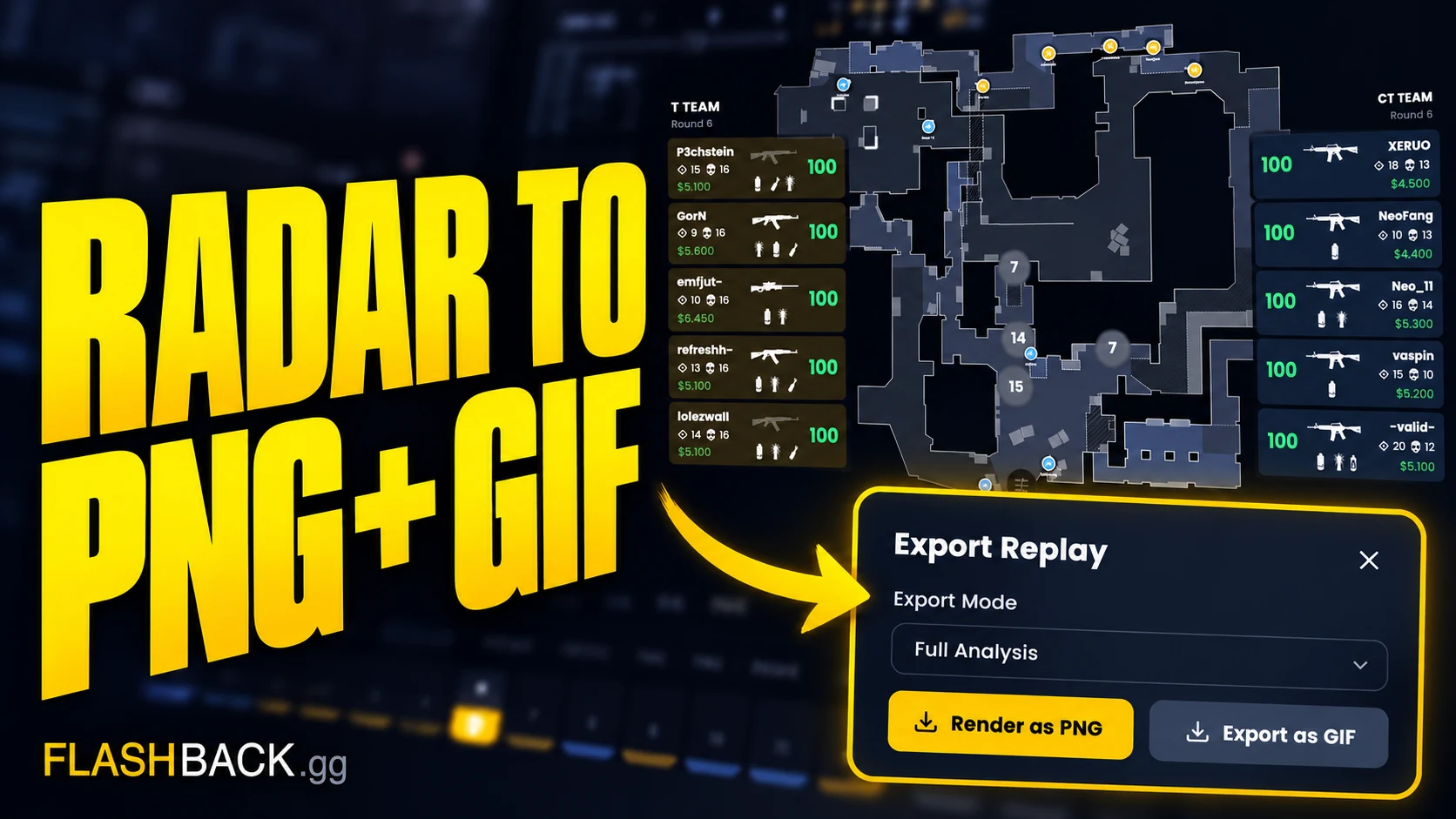
Export a radar PNG or GIF
Turn a paused position or short radar sequence into something your teammates can use.
Read guide